Run Your AI Influencer From Telegram With Hermes Agent
Connect Orior to Hermes Agent, the open-source agent from Nous Research, and make photos of your character from Telegram, copy poses from links and post a new photo every morning on a schedule.

Hermes Agent is an open-source agent from Nous Research. It runs on your own computer or server, remembers what you tell it, and you can talk to it from Telegram, Discord, Slack, WhatsApp, Signal and more.
Connect Orior to it and you get a content assistant for your AI character that lives in your phone. You text it, it makes the photo. You tell it once to post every morning, and it does.
Here is how to set it up and what to ask.
What you need
- An Orior account with a character and some credits. A character made from your own photos costs no credits.
- Hermes Agent installed. On macOS, Linux or WSL2, run this in a terminal, then run hermes setup and follow the wizard:
curl -fsSL https://hermes-agent.nousresearch.com/install.sh | bash
To talk to it from your phone, connect Telegram (or another app) as the Hermes docs describe.
Connect Orior
- In a terminal, add Orior as an MCP server:
hermes mcp add --url https://www.oriorai.com/api/mcp --auth oauth orior
- Sign in. A browser window opens. Click Authorize and sign in to Orior:
hermes mcp login orior
- Check that it works with hermes mcp test orior. If Hermes is already running, send /reload-mcp in the chat.
Run the sign-in from a fresh terminal, not from inside a Hermes chat. Inside a chat, Hermes gives the connection about 30 seconds, which is not enough time to sign in.
Hermes on a server with no browser? It prints a link instead. Open it on your own computer, approve, then paste the address your browser ends up on back into the terminal.
Ask from Telegram
Name your character and say what you want. These work as they are:
- "Use Orior to make a photo of Freya at a cafe in Paris, phone camera, morning light."
- "Make 3 mirror selfies of Freya in different outfits, vertical."
- "How many Orior credits do I have left?"
Hermes has no creation card like ChatGPT or Claude, so Orior asks it to confirm the character, the settings and the price with you before anything runs. Answer yes in the chat and the photo comes back as a link.
Hermes also remembers what you tell it between chats. Say "Freya never wears logos and always has her glasses on" once, and you don't have to repeat it.
Copy a pose from a link
Saw a photo you like? Send it with one line:
- "Put Freya in this photo: [link to the image]"
Orior keeps the pose, the camera angle, the framing, the outfit and the light, and swaps in your character. The link has to point at the image file itself, not at a page that shows it.
If the photo is on the computer Hermes runs on, give the path instead. Orior hands Hermes a temporary upload address and Hermes uploads the file itself.
These four came from Copy a pose, one saved photo each:


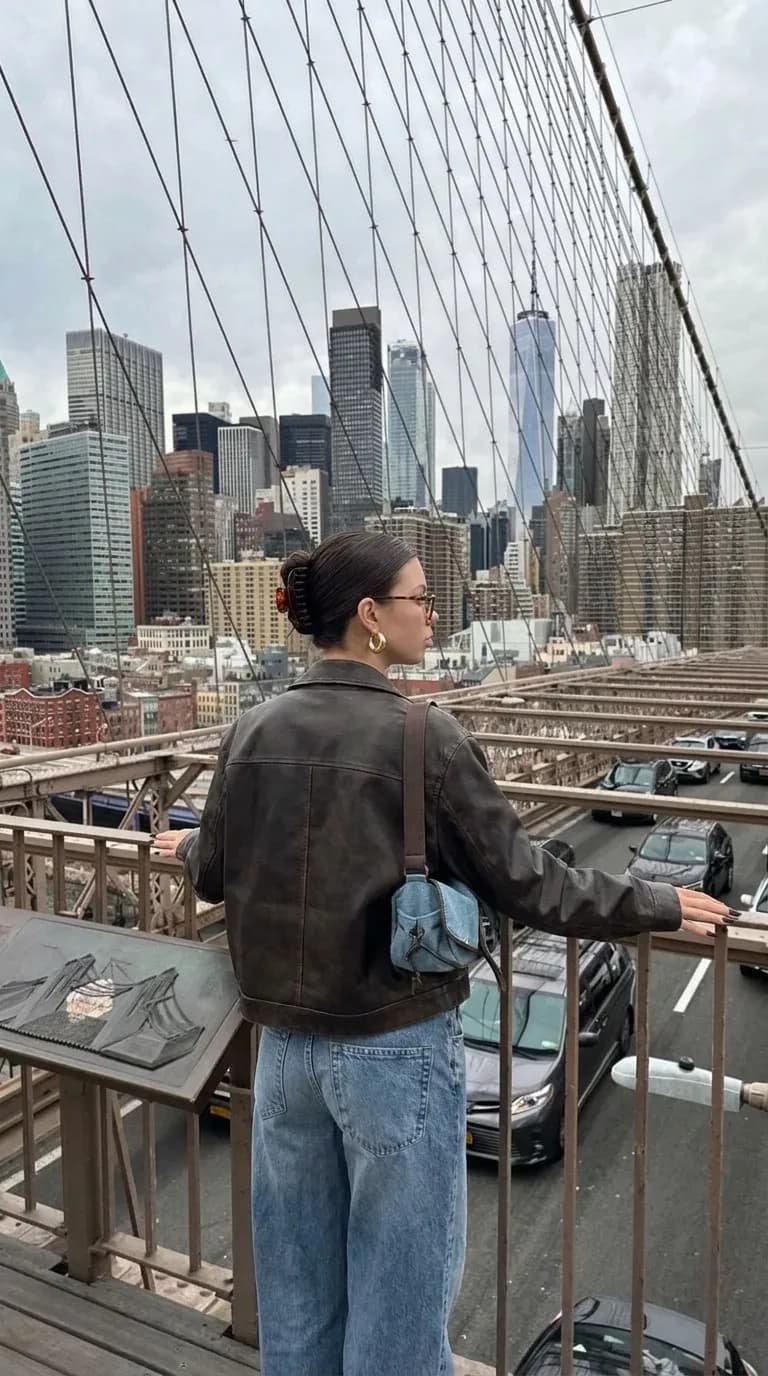
Copy a pose has tips on which photos copy well.
Post a new photo every morning
This is where Hermes is different from a chat app. It has a scheduler built in, and you set it up by asking:
"Every morning at 9, use Orior to make one new photo of Freya somewhere in New York and post it to her Instagram with a short caption. Never repeat a place. Make the first one now and show me."
Before you leave it running:
- Connect the account. Posting needs a paid Orior plan and the Instagram account connected to the character. If it's missing, Orior gives Hermes a sign-in link to send you.
- Set a limit. Ask Hermes to set a monthly credit limit for this connection, for example 100 credits. From the chat a limit can only go down. You raise or remove it yourself in Dashboard → MCP.
- Keep the gateway on. Scheduled jobs run inside the Hermes gateway, the part that talks to Telegram. If it's off, nothing runs.
One photo a day at 1K costs 2 credits, about 60 credits a month.
What it costs
Through Hermes, an image costs 2 credits at 1K or 2K and 3 at 4K. Checking prices, your credits and your library is free. If an image fails, the credits come back on their own.
Hermes itself is free and open source. You pay for the model it runs on, the same as without Orior.
Tip: ask for one photo first. When it looks right, ask for the next five.