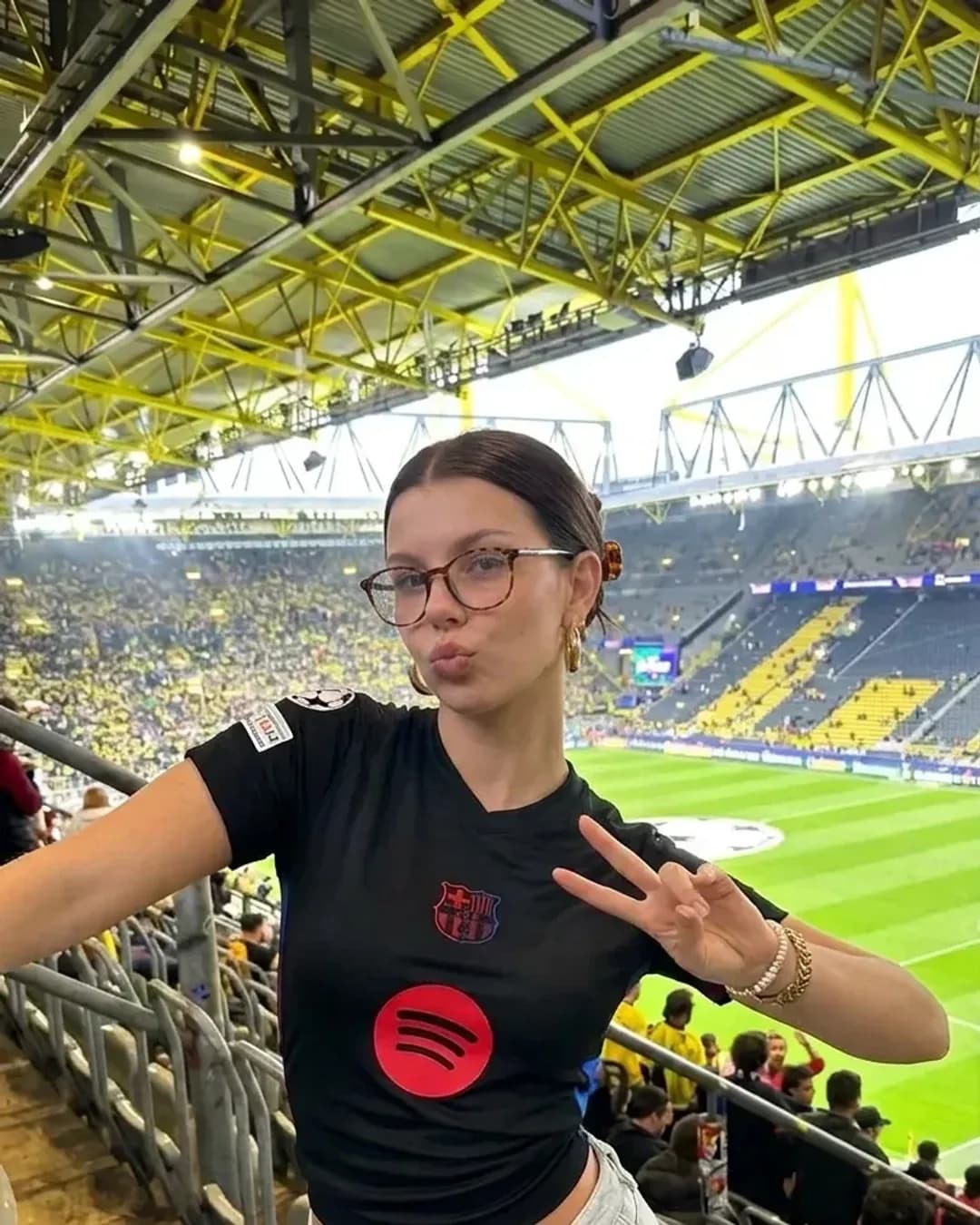
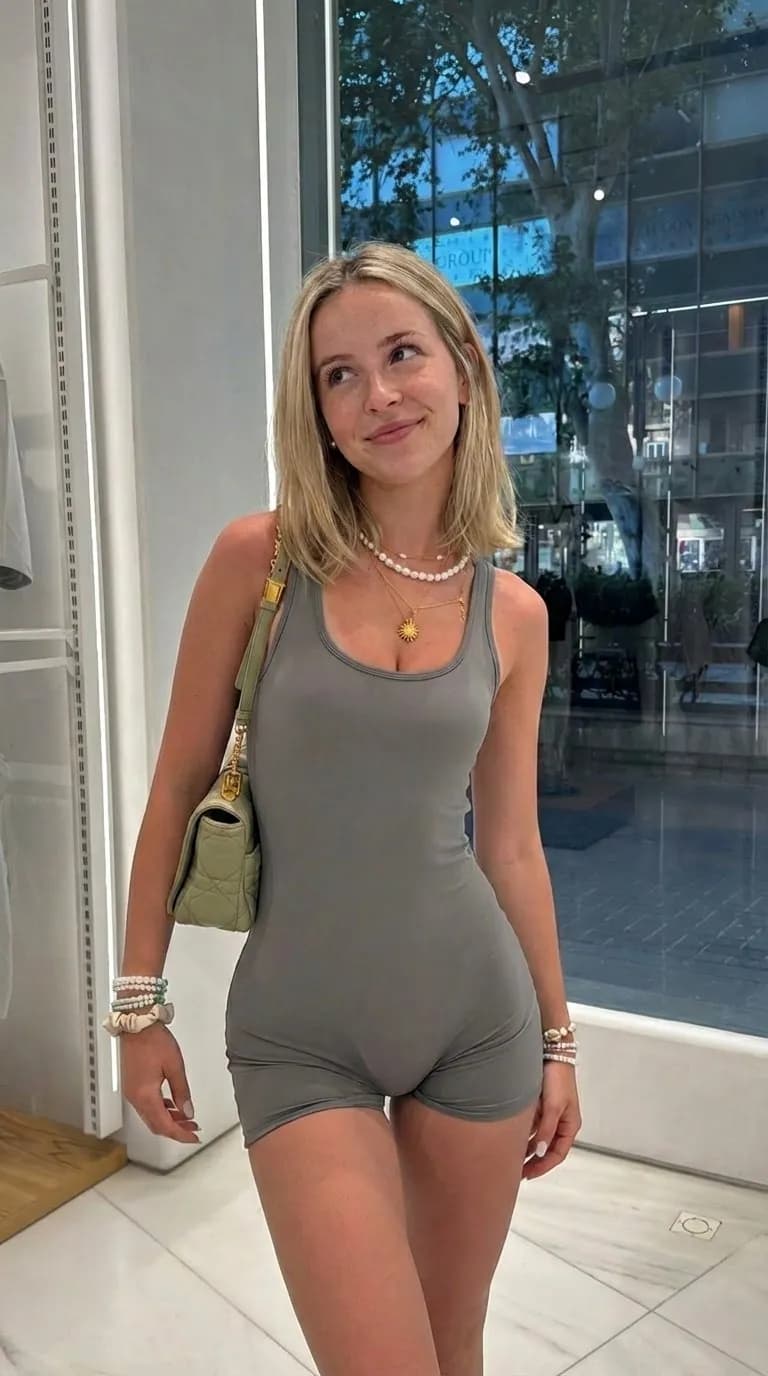
Make AI Influencer Photos From T3 Code, Claude Code or Codex
Connect Orior to Claude Code or Codex and use it from T3 Code too. Turn a folder of saved photos into your character in the same poses, plan a week of posts and make videos without leaving your editor.
T3 Code is an open-source app from Theo Browne and the Ping.gg team for running coding agents, like Claude Code and Codex, side by side. It has no model of its own. It drives the agents you already have installed and signed in.
That makes the setup simple. Connect Orior to Claude Code or Codex once, and it works in T3 Code too.
Why make photos from a coding agent at all? Because it works with the files on your computer. A folder of saved photos goes in, a folder of your character comes out, named the way you want.
Connect Claude Code
- In a terminal, add Orior:
claude mcp add --transport http --scope user orior https://www.oriorai.com/api/mcp
- Start Claude Code, type /mcp, pick orior and sign in to Orior in the browser.
--scope user makes Orior available in every folder, including the projects you open in T3 Code. Sign in from Claude Code itself the first time: agents that another app starts can't finish the sign-in on their own.
Connect Codex
codex mcp add orior --url https://www.oriorai.com/api/mcp
codex mcp login orior
The second command opens the browser so you can sign in to Orior.
Use it in T3 Code
Install T3 Code from t3.codes, open a project folder and start a thread with Claude or Codex. Then check that Orior is there:
- "List my Orior characters."
If your characters come back, you're set. T3 Code starts the real Claude Code and Codex on your computer, so it uses the servers you added above. If nothing comes back, run claude mcp list or codex mcp list in a terminal and sign in again.
Turn a folder of photos into your character
This is the request we use most. Put the photos you saved, from Pinterest, Instagram or your camera roll, in a folder called poses inside your project. Then ask:
"For every photo in poses/, use Orior to put Freya in it. Keep everything else the same. Save the results to freya/ with the same file names."
For each file, Orior gives the agent a temporary upload address, the agent uploads the photo, and Copy a pose keeps the pose, the camera angle, the framing, the outfit and the light while swapping in your character. The agent asks before it runs commands, so you'll see each upload go by.
Four saved photos of New York gave us these:
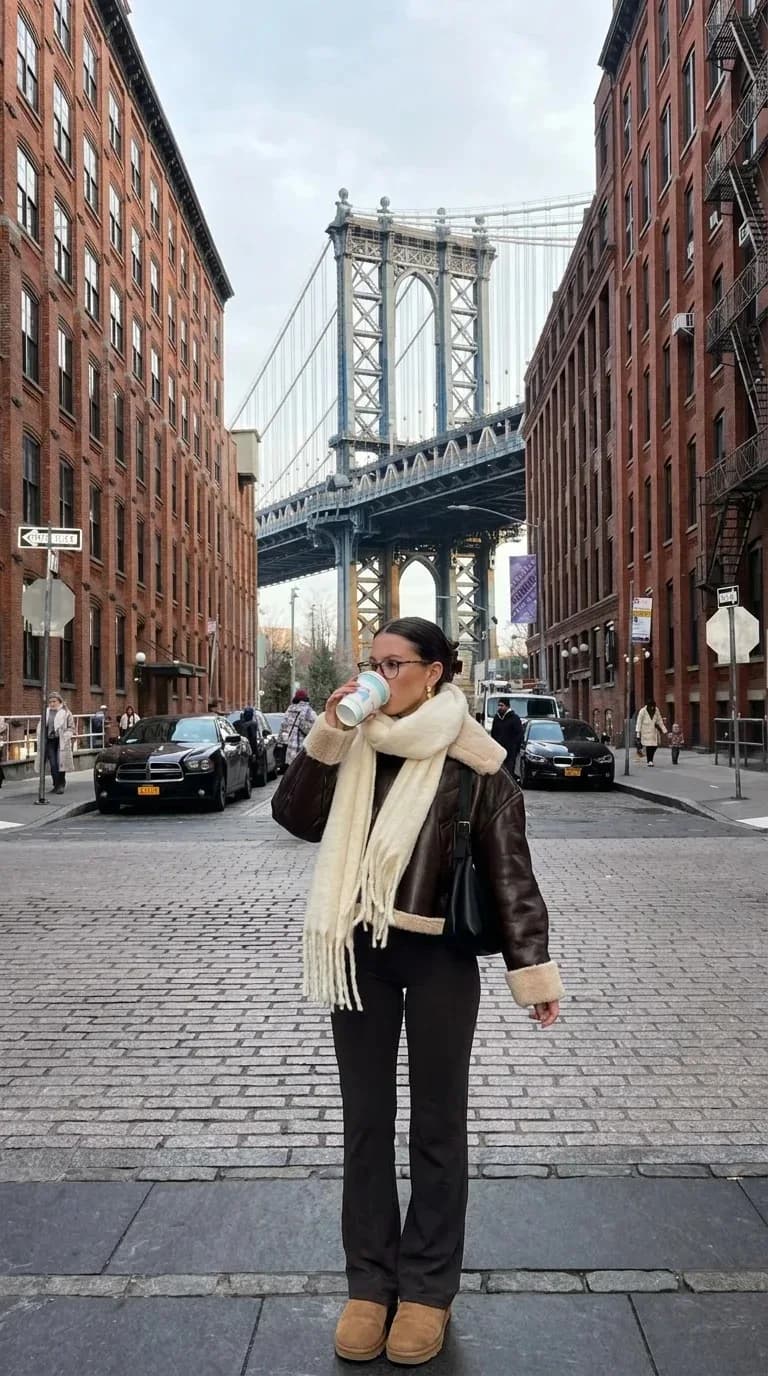
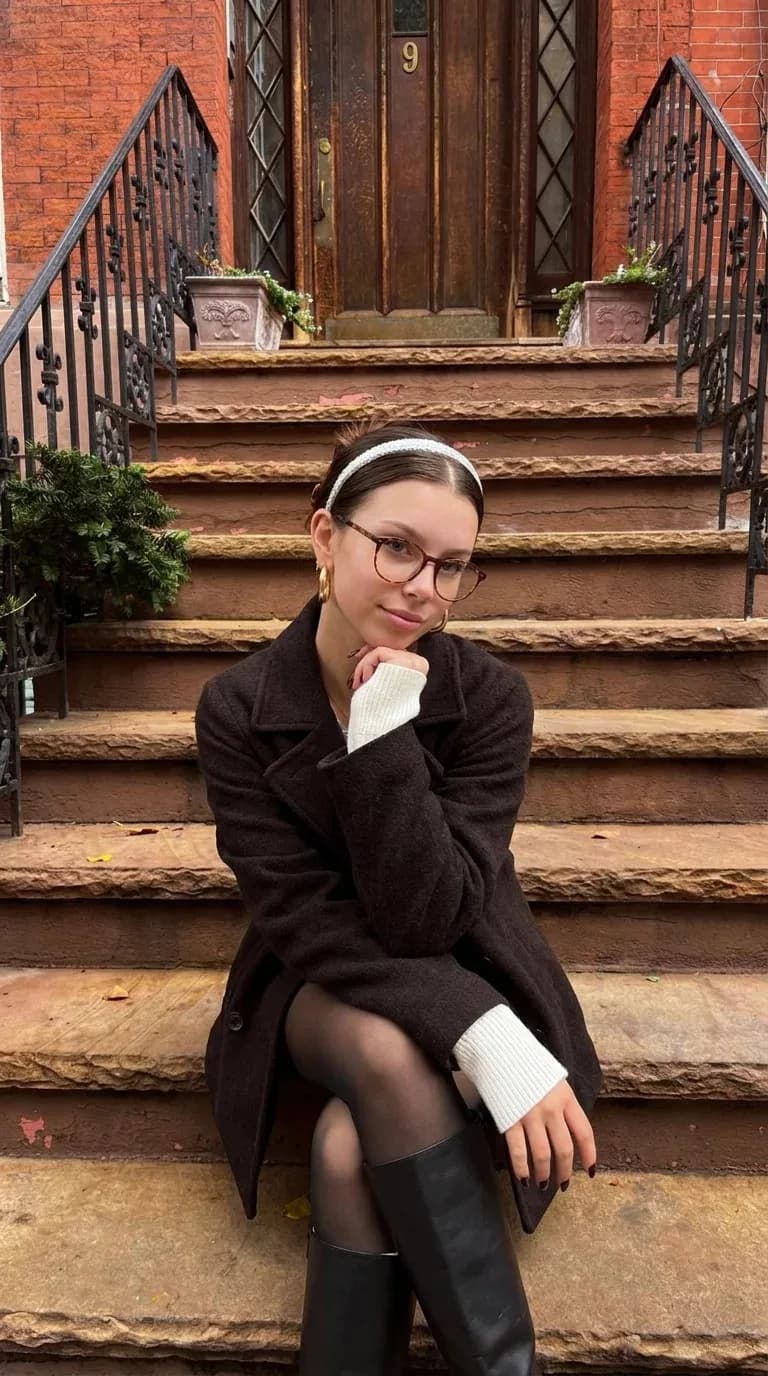
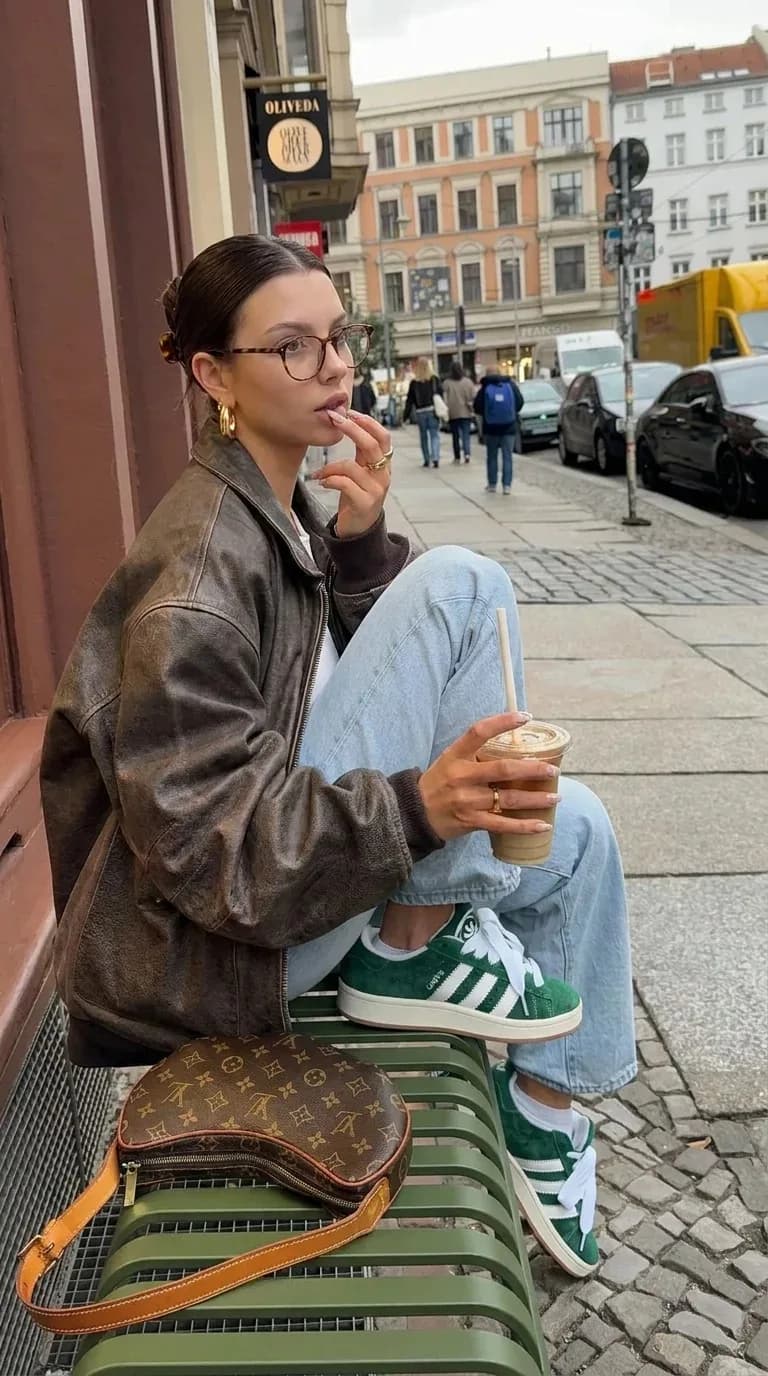
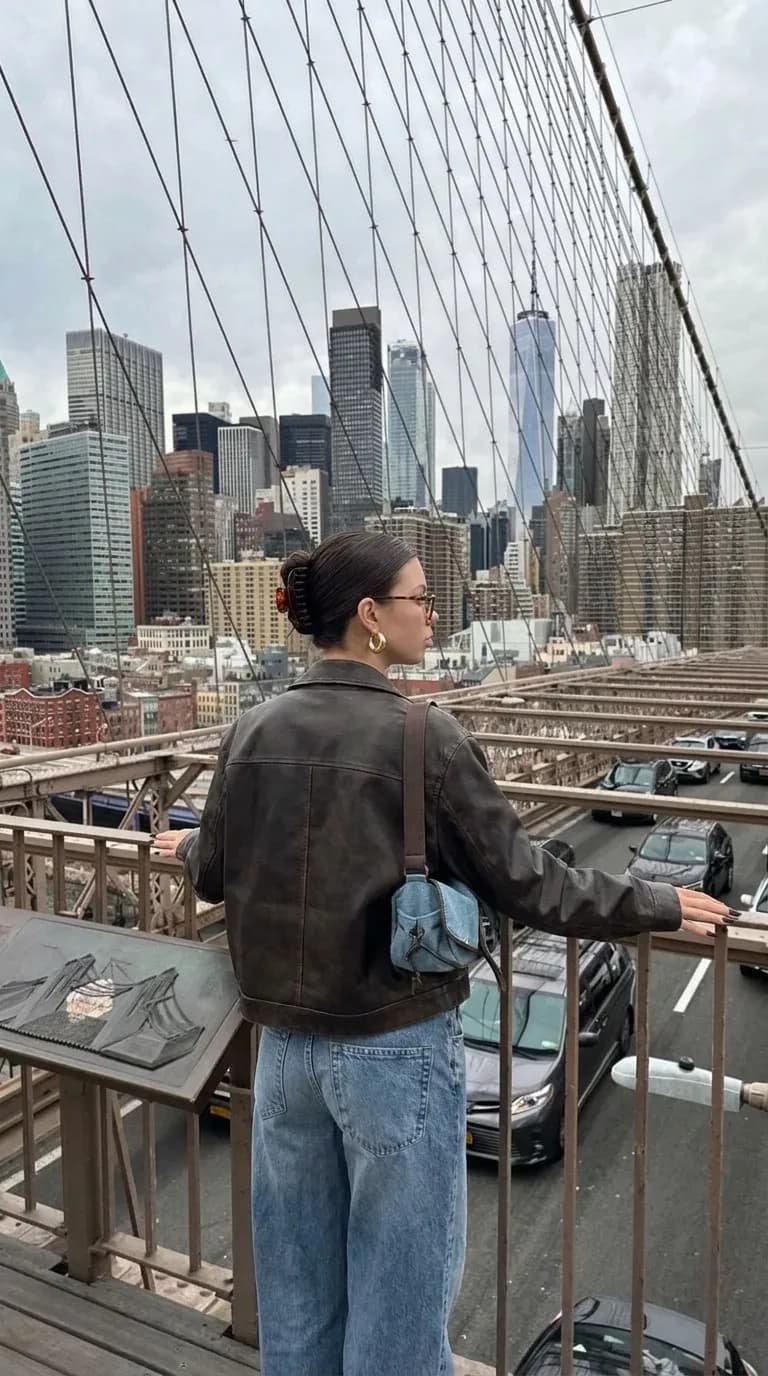
To change one thing in all of them, add it to the request: "and put her in a long black coat in every photo". Everything you don't mention stays as it was.
Post your results, not the photos you started from. Those belong to whoever took them.
More requests that work
- "Make 7 phone camera photos of Freya for next week: coffee, gym, desk, mirror selfie, a walk, dinner, bed. Save them in week-46/."
- "Write a short Instagram caption for every photo in freya/ and put them in captions.md." The agent writes these itself. Orior isn't needed and it costs no credits.
- "Check the price, then make a 5 second vertical video from freya/nyc-stoop.webp. She laughs and looks down the street."
- "Post freya/nyc-bridge.webp to Instagram tomorrow at 9 with the caption from captions.md." Posting needs a paid plan and the account connected to the character, and Orior waits for your OK.
What it costs
From a coding agent, an image costs 2 credits at 1K or 2K and 3 at 4K. Checking prices and uploading files is free. If an image fails, the credits come back on their own.
T3 Code is free and open source. Claude Code and Codex run on your own Claude or ChatGPT plan, as they always do.
Tip: try one photo before the whole folder. When it looks right, run the rest.