Copy a Pose With Grok Bot: Your Questions, Answered
Is it a separate bot? Does it keep the outfit and the light? Can you change one thing? Answers to the questions people asked about copying poses in Grok Bot with Orior, with new examples.
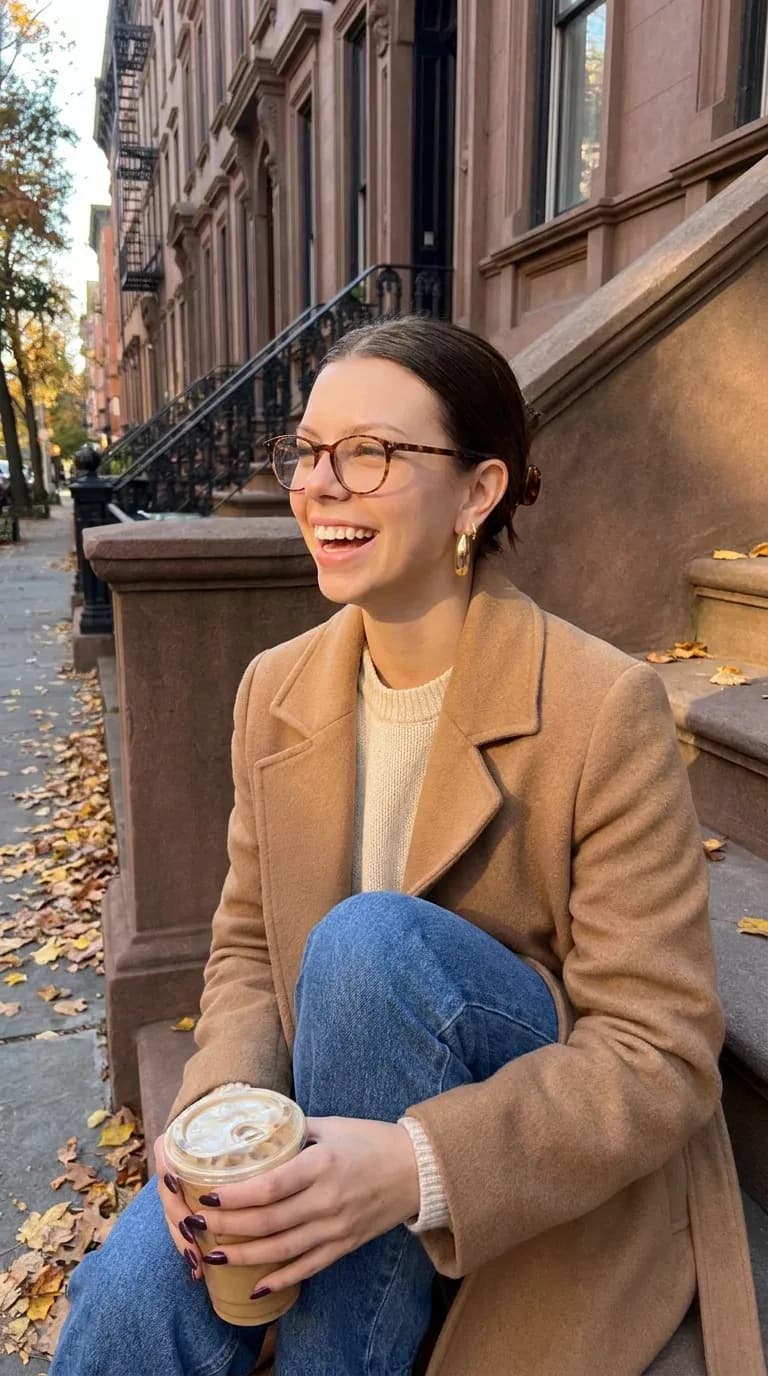
Last week Freya, one of our characters, posted on X that her Grok bot copies poses for her now. The post passed 25,000 views and 300 bookmarks, and most of the replies were questions. Here are the answers, with examples we made this week.
Is it a separate bot I have to find?
No. It is your own Grok Bot with Orior connected to it. There is no account to follow and nothing to install. Grok does the talking, and Orior keeps your character's face and makes the photo.
How do I set it up?
You need an Orior account with a character and some credits. A character made from your own photos costs no credits.
- In Grok, open your Grok Bot and send this message: Add a custom MCP server called Orior at https://www.oriorai.com/api/mcp
- Click Authorize and sign in to Orior.
- Attach a photo you like and write: Put Freya in this photo. Use your own character's name.
On grok.com you can add a custom connector instead and paste the same address. The connect page has the steps for every app, and this guide walks through the Grok setup with videos.
Does it keep the outfit and the light, or only the pose?
All of it. Orior keeps the pose, the camera angle, the framing, the outfit, the background and the light. Only the face, the hair and the build come from your character.
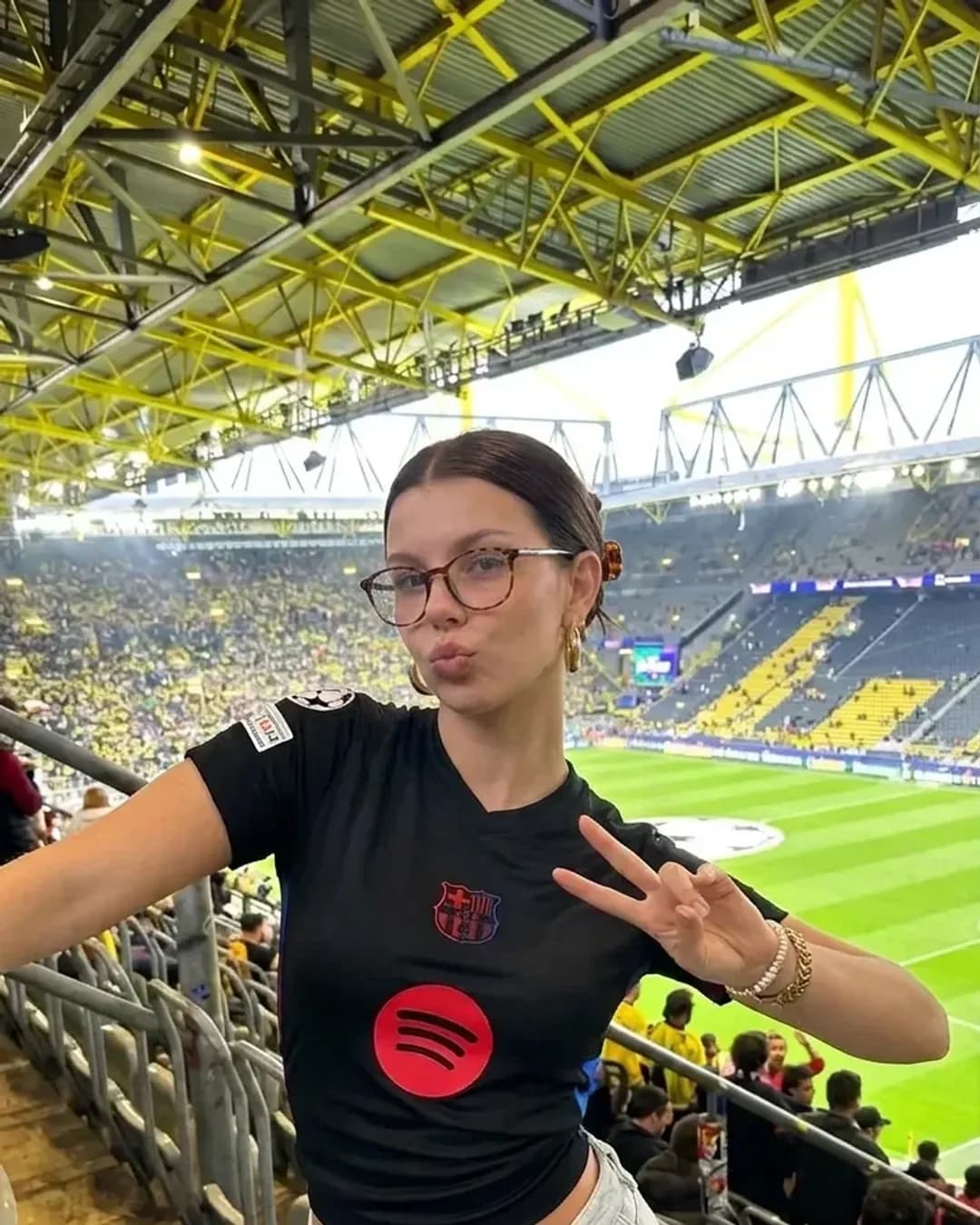
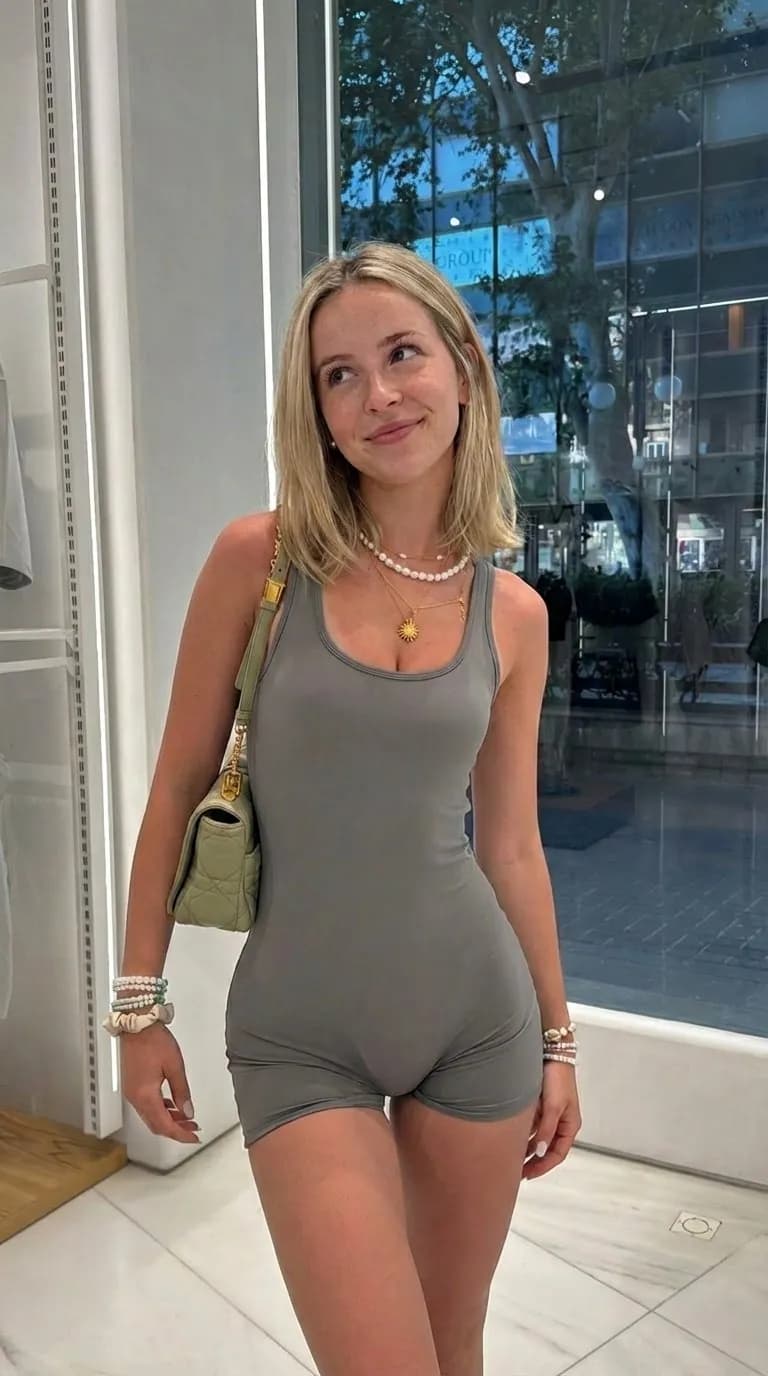
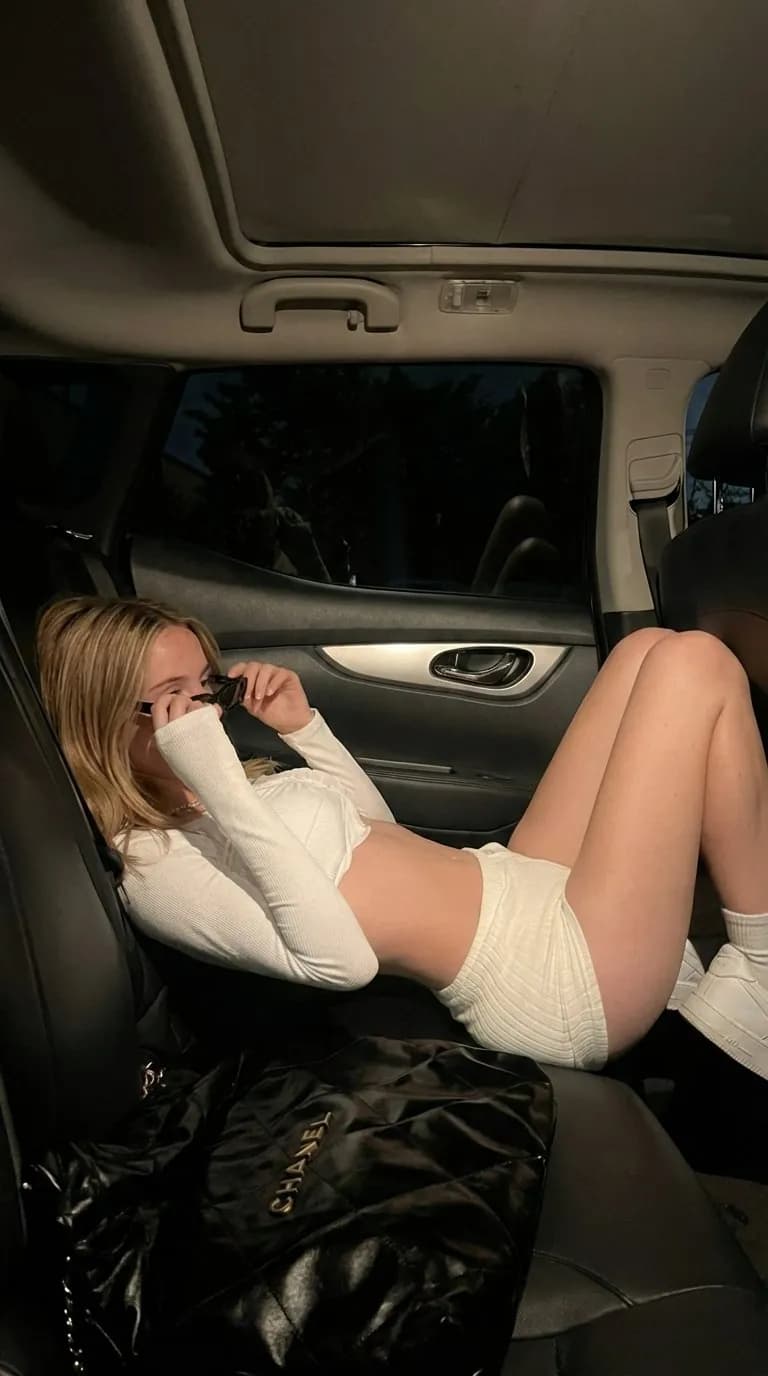
On the left of each pair is the photo we started from. On the right is what came back. We left the scene box empty every time.
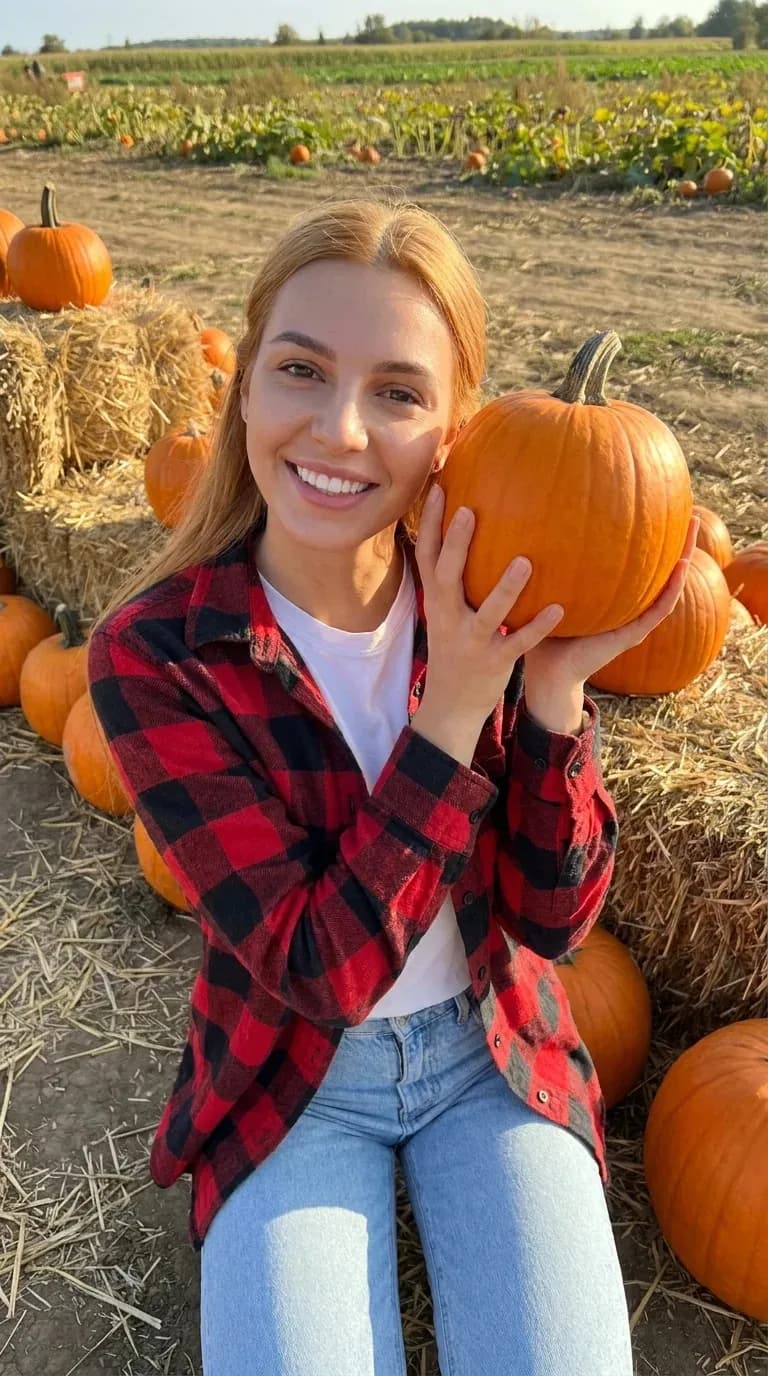
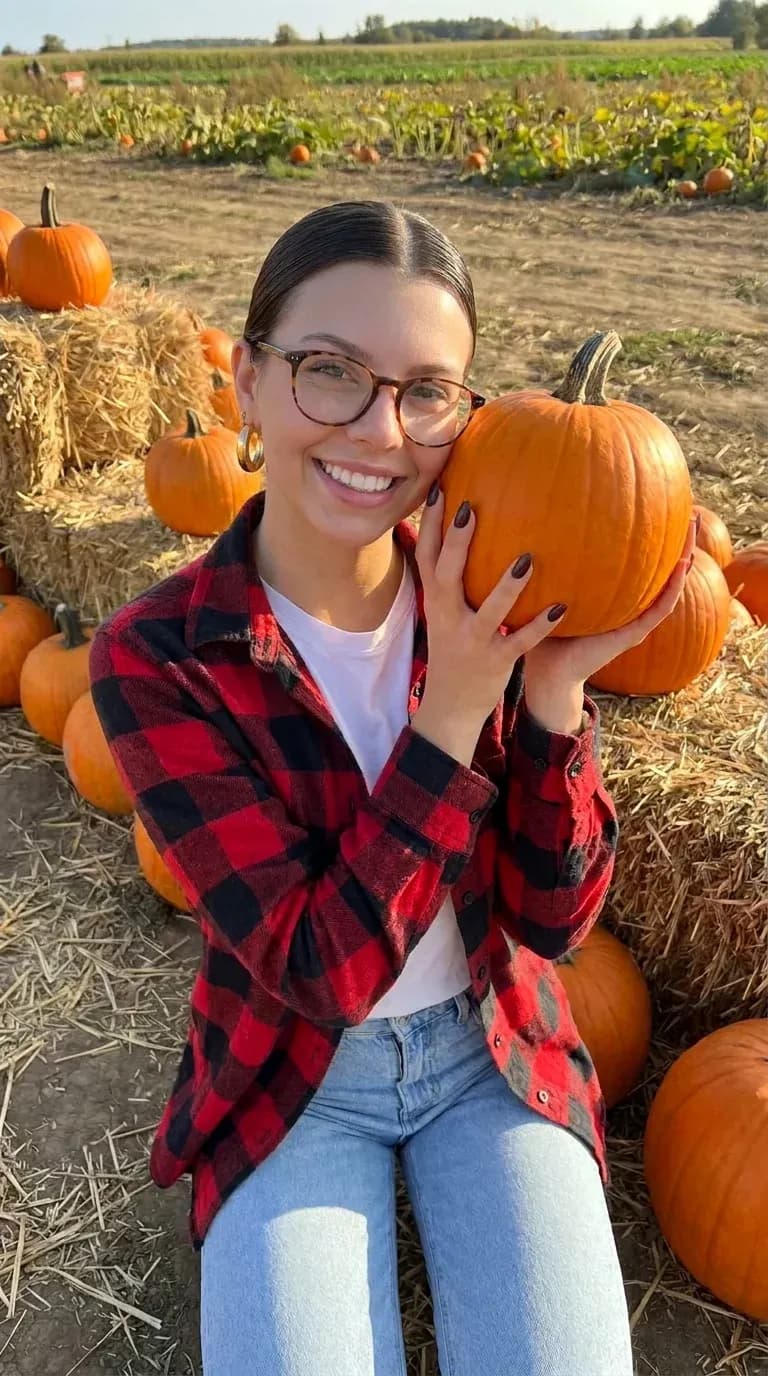
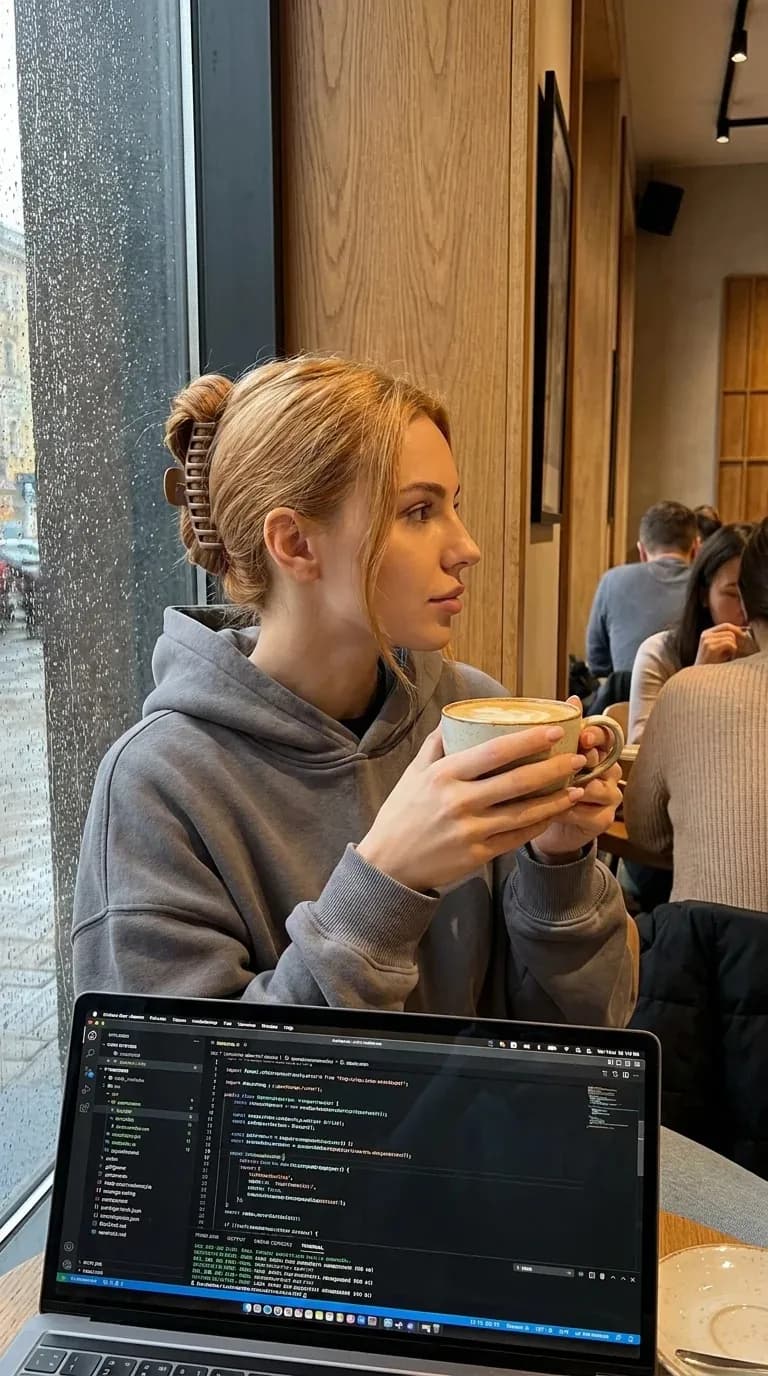
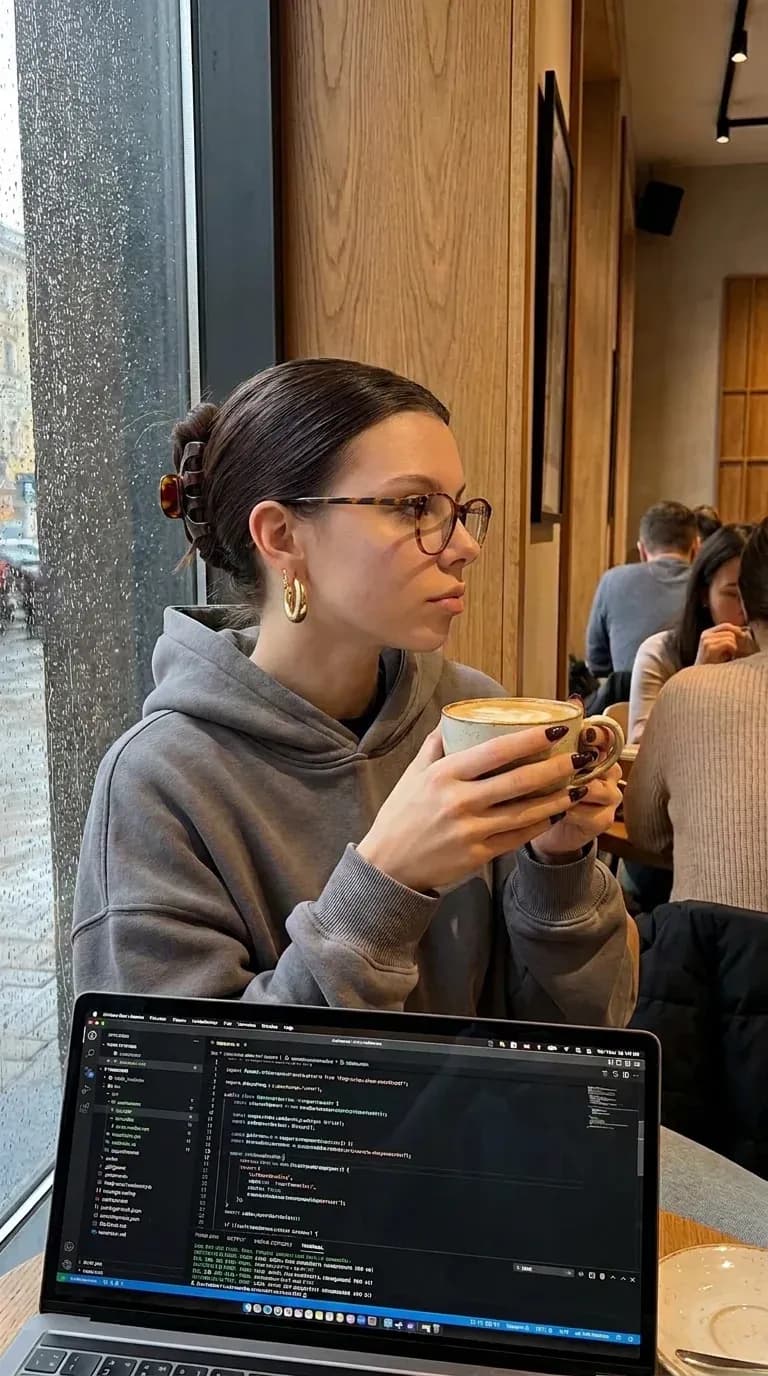
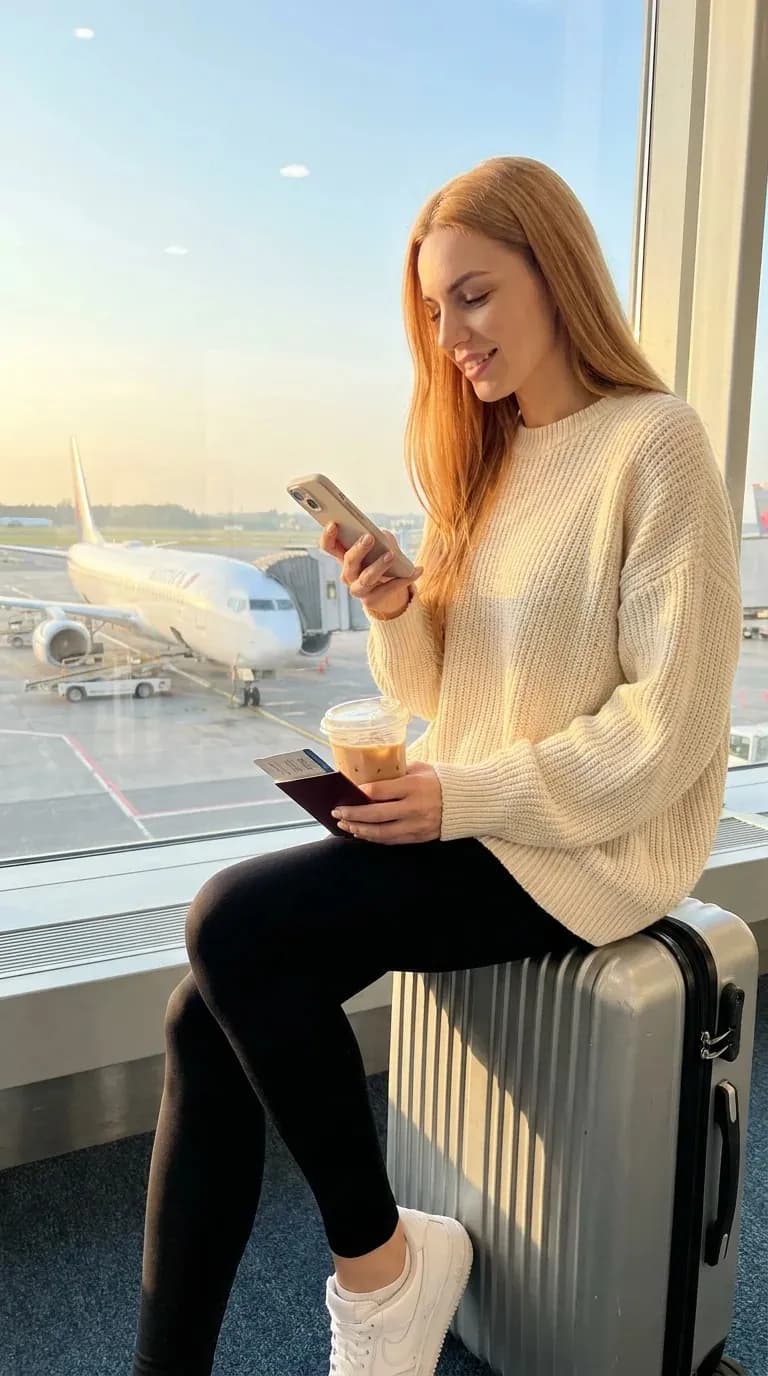
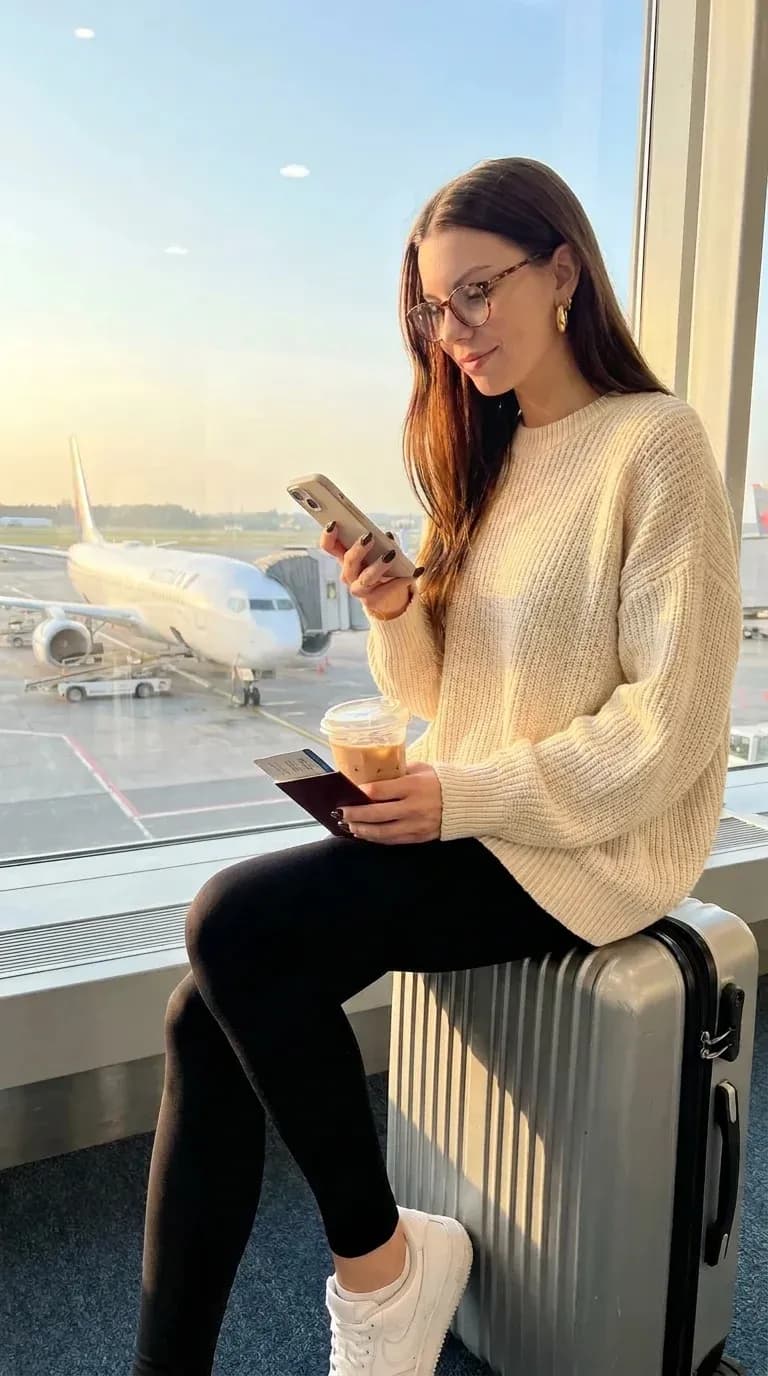
The starting photos were made in Orior with Luna, another of our characters, so we could show them here. Pinterest saves and screenshots work the same way. Post your result, not the original: the original belongs to whoever took it.
Do I have to write a prompt?
No. One line is enough: Put Freya in this photo. In the Orior app it is even shorter. Upload the photo on the Copy a pose card and leave Describe your scene empty.
Can I change one thing and keep the rest?
Yes. Write only the difference, and everything you leave out stays as it was.
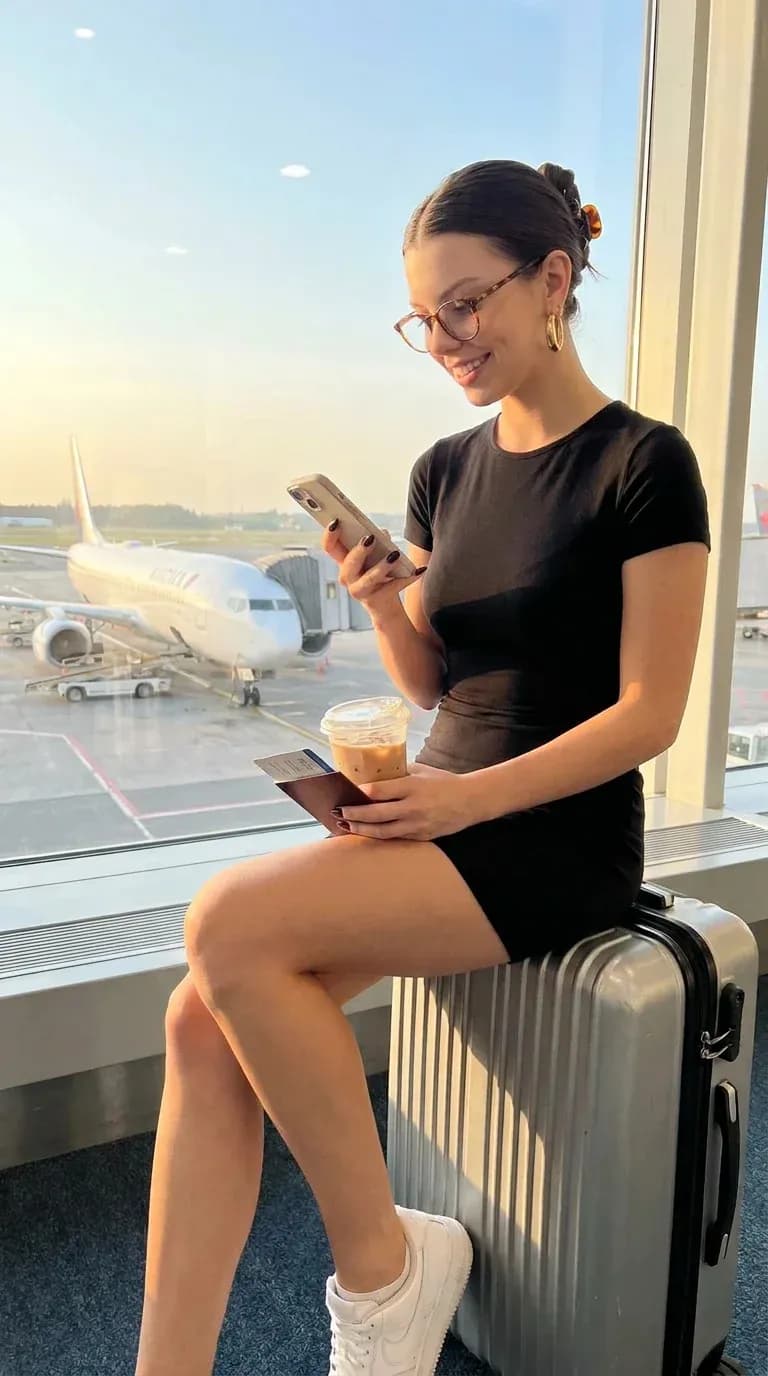
One thing we learned this week: when the outfit in the photo is easy to see, say what the new one replaces. "Wearing a black dress" on its own kept the sweater in our test. This worked on the first try:
- Change the outfit: she wears a short black dress instead of the sweater and leggings.
Does it work with Pinterest?
Yes. Save the pin's image and attach it, or drag it into the chat on desktop. If you paste a link instead, it has to point at the image file itself, not at the pin's page.
Can she move?
Yes. Ask for a video from any result: make a 5 second video from that photo, she laughs and sips her coffee. In the Orior app, open Create video and start from the photo. This clip started from a photo of Freya on New York steps:
Video costs more than a photo, so ask for the price before it runs.
Which photos copy best?
- One person, clearly visible, not cut off at the face.
- A pose you can read: sitting, a mirror selfie, holding something.
- Good light. A dark, blurry photo gives a dark, blurry copy.
Group photos and photos where the face is hidden copy badly. Copy a pose has more tips.
What does it cost?
In the Orior app, a Copy a pose image is 1 credit at 2K and 2 credits at 4K. From a chat app like Grok, it is 2 credits at 1K or 2K and 3 at 4K. If an image fails, the credits come back on their own.
Tip: send one photo first. When it looks right, send the next five.