Orior AI vs OpenArt: Which Is Better for an AI Influencer?
OpenArt and Orior both keep a character's face and both work inside Claude and ChatGPT. Prices, characters, copying a pose, video and posting compared, with real examples.
OpenArt and Orior look alike from far away. Both let you save a character and reuse the face. Both run many image and video models. Both connect to Claude and ChatGPT. The difference is what each one is built around. OpenArt is a big creative studio with a character feature. Orior is built around one job: running an AI influencer, from the first photo to the post on Instagram.
Here is how they compare for that job. We checked OpenArt's pricing and character pages on October 25, 2026.
The short answer
- Pick OpenArt if you want the most images per dollar, many art styles, and long story videos.
- Pick Orior if you run a realistic AI influencer or a UGC account and want copying poses, travel series, video and posting in one place.
Prices
OpenArt prices are in US dollars per seat. Orior prices are in euros.
| OpenArt | Orior | |
|---|---|---|
| Entry plan | Starter, $14/month, 4,000 credits | Creator, €15/month, 60 credits, 3 characters |
| Middle plan | Plus, $34/month, 12,000 credits | Influencer, €39/month, 250 credits, 10 characters |
| Top plan | Pro $56, Wonder $240 | Agency, €99/month, 750 credits, 30 characters |
| Free | 40 credits to try | Free account with 1 character, no credits |
| Without a plan | Extra credits only on Plus and up | Credit packs from €9 for 30 credits |
The credit numbers are not comparable. On OpenArt a basic image costs about 1 credit, and saving a character costs credits too: Starter's page counts about 13 characters a month. On Orior an image is 1 credit at 1K or 2K and 2 credits at 4K, and a character made from your own photos costs nothing.
So on paper OpenArt gives more images per dollar. If you only need volume, that matters. What Orior's price buys is the workflow around the image, which the rest of this post covers.
One more detail: OpenArt's Starter plan has no commercial rights. If the account makes money, plan for Plus.
Keeping the face
Both tools save a character and reuse it.
OpenArt makes a character from one photo, from a text description, or from a builder. It can also train a character on 4 to 100 photos, and turn one photo into 9 angles.
Orior makes a character from 1 to 3 photos of a face, or from a ready-made preset. Every image and video after that uses the saved face. These are four photos of Katherine, one of our test characters, made on different days with different outfits:
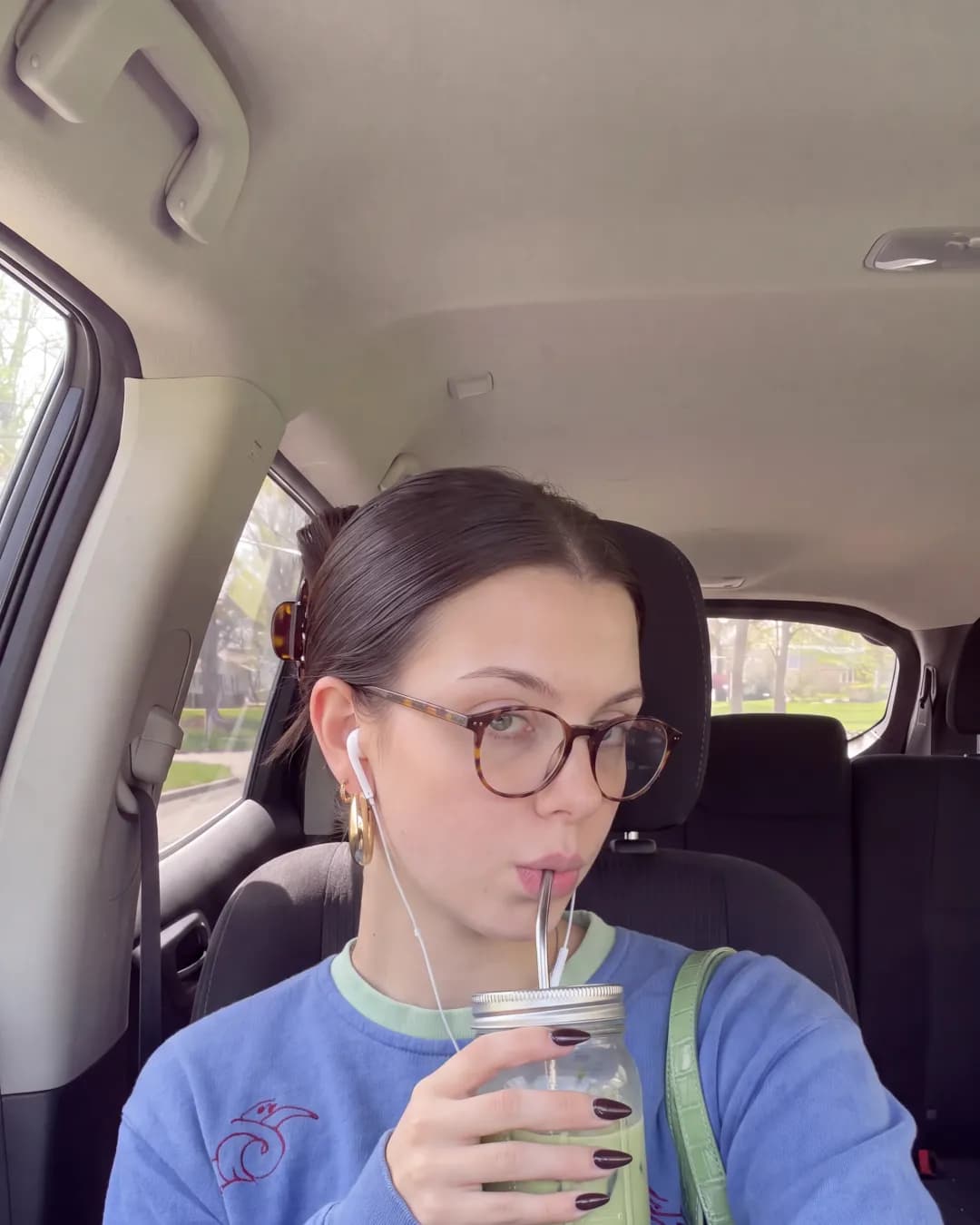
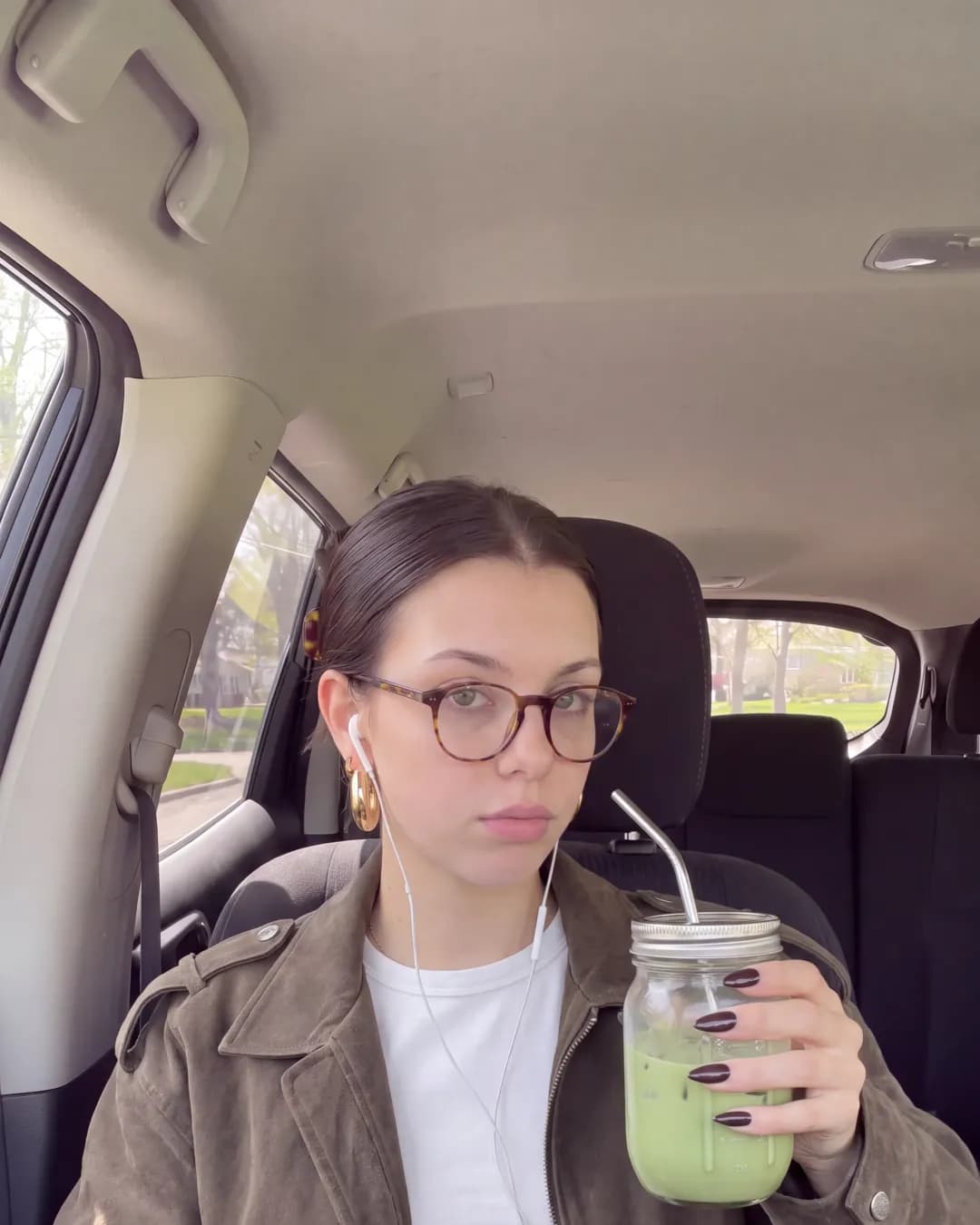
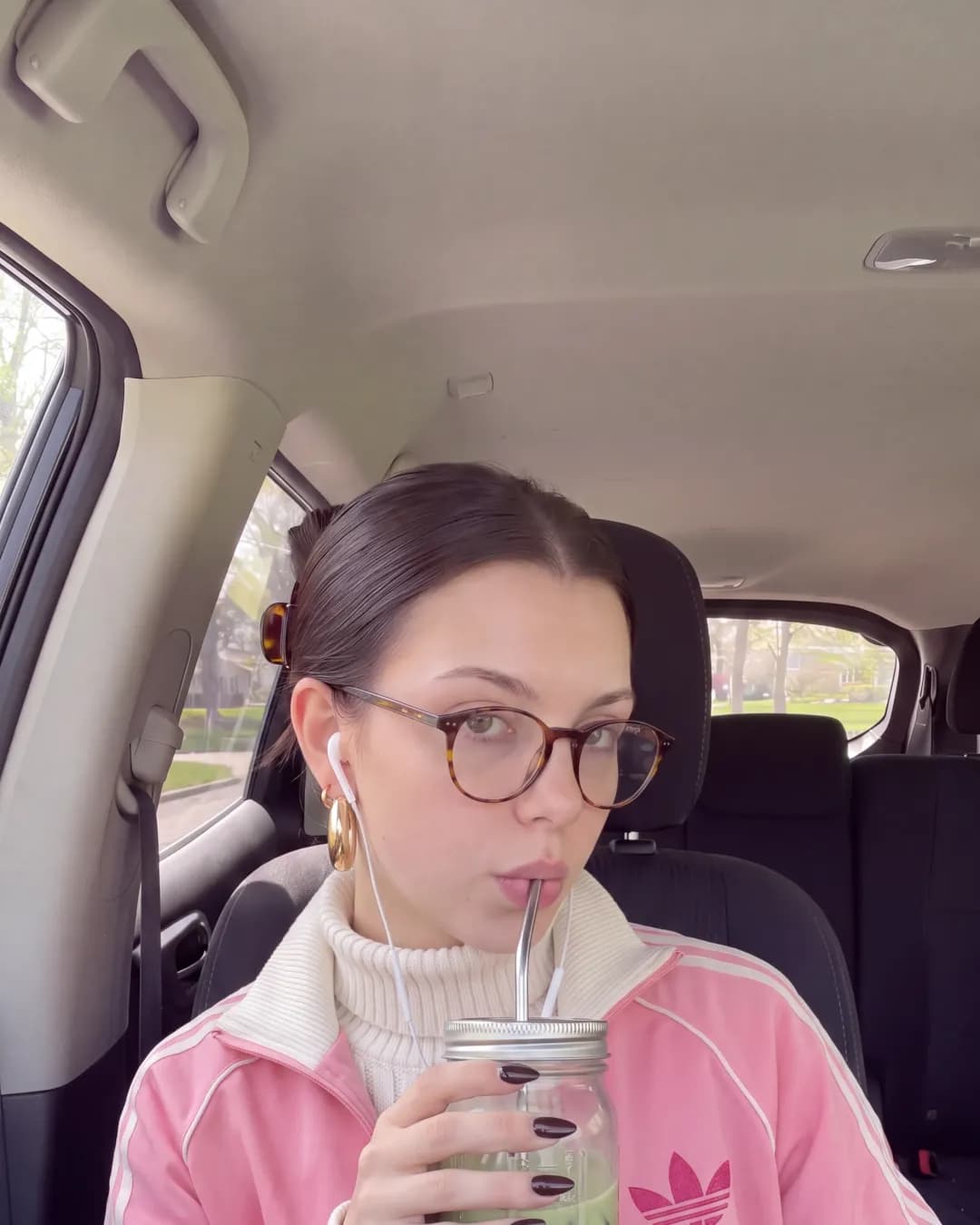
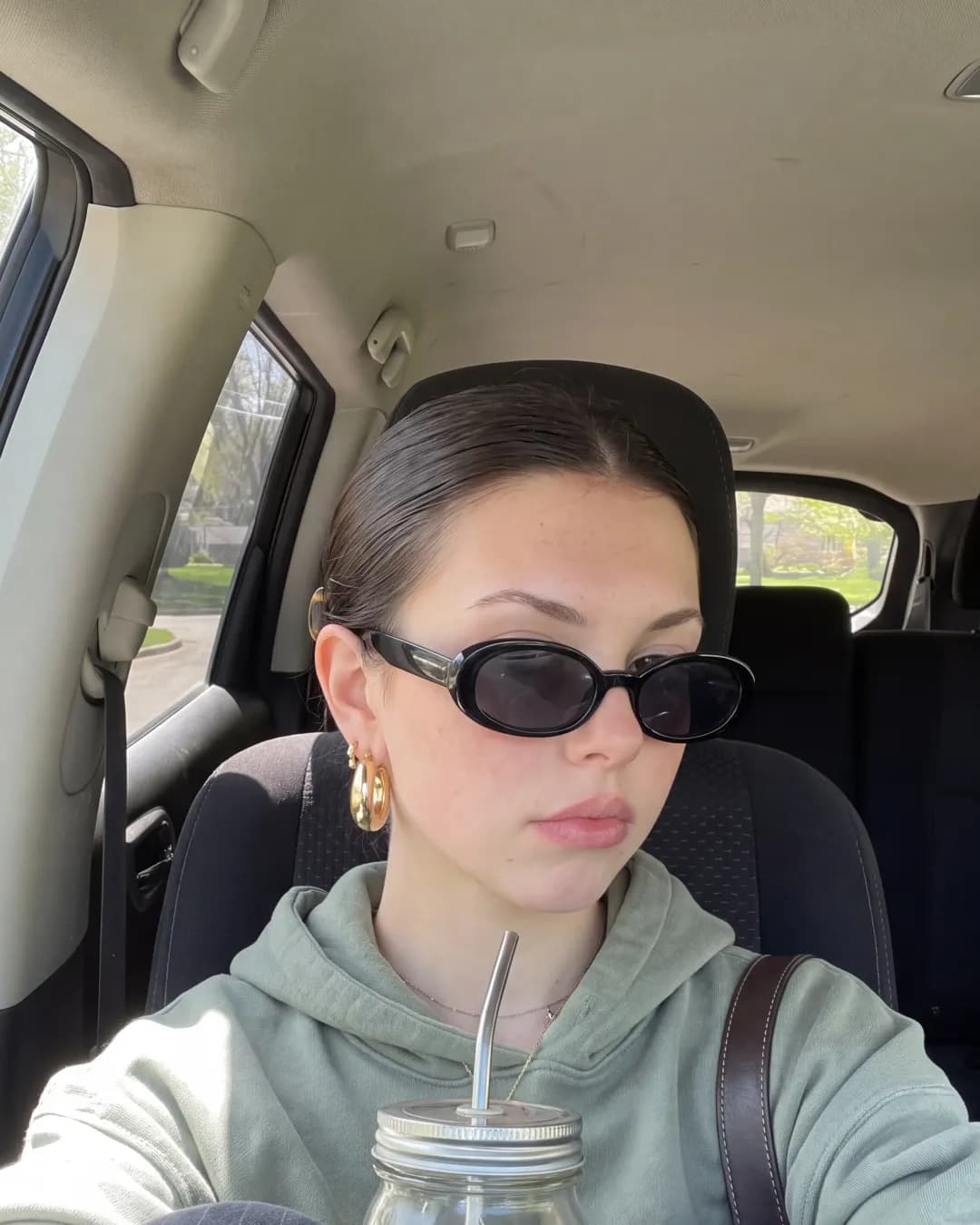
Same hair, same earrings, same face, even behind sunglasses. That is the bar for an AI influencer. If followers notice the face drifting, the account stops working.
Copying a pose
This is where the two differ most.
On Orior, you upload any photo, a Pinterest save or a screenshot, and get the same shot back with your character in it. Same pose, framing, outfit and light. You write only what should change. We call it Copy a pose.
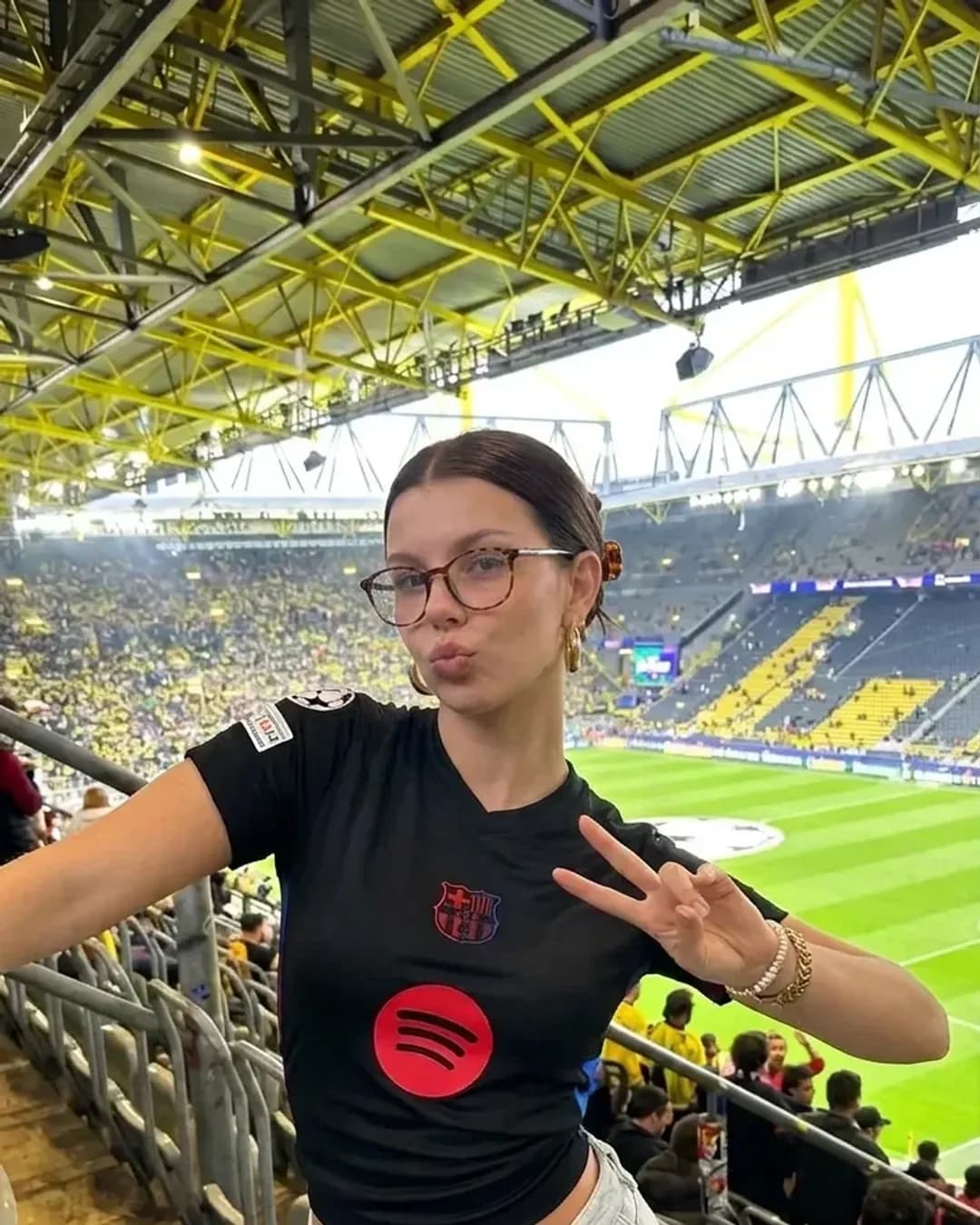
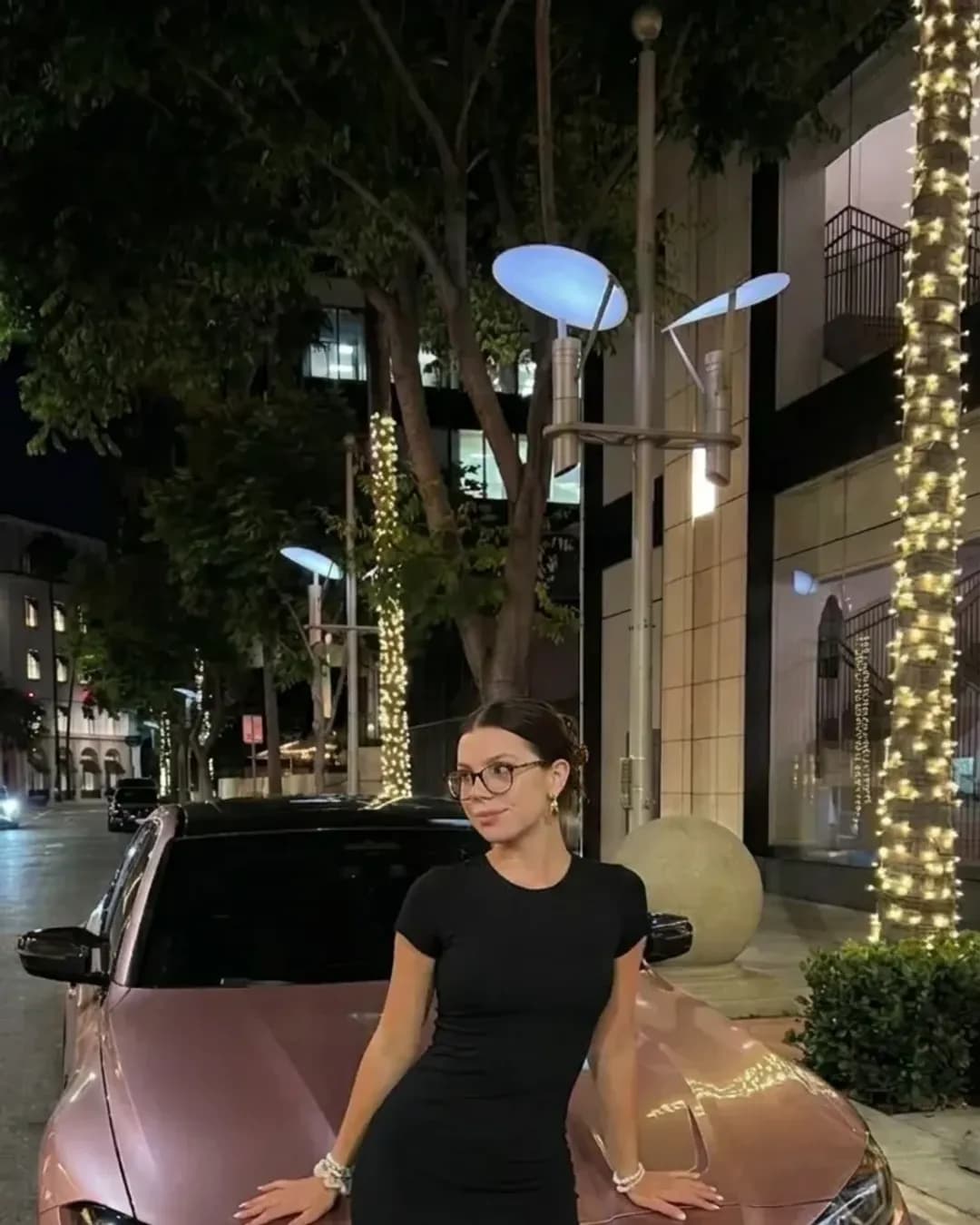
OpenArt's character tools put your character into new prompts and can replace a person in a video. We did not find a feature that recreates a still photo shot for shot with your character in it.
Video
Both run the well-known video models. OpenArt lists Seedance 2.5, Veo 3.1, Kling, Sora 2 and others, and its Director tool makes story videos up to 5 minutes with the same character.
Orior runs Seedance 2.5, Kling 3.0 and Kling 3.0 Motion Control, Veo 3, Gemini Omni, Grok Imagine 1.5, MiniMax H3 and Wan 2.6. Motion Control copies the moves from a clip you give it onto your character, which is how most dance and trend videos are made.
If you want a long story video, OpenArt has the edge. If you want short vertical clips for Reels and TikTok, both work.
Posting
OpenArt stops at the file. We found no posting or scheduling on its pricing or character pages.
Orior posts for you. On a paid plan you connect Instagram, TikTok, YouTube, Threads and X to a character, and post or schedule photos and videos to up to 5 platforms at once. For an account that should post every day, this is the part that saves the most time.
Inside Claude and ChatGPT
Both have an MCP server, so both work inside Claude, ChatGPT and other AI assistants. OpenArt's server makes images and videos with your OpenArt credits.
Orior's server can do the whole loop from the chat: make the photo with your saved character, copy a pose from a photo you attach, animate it, then post it to your accounts after you confirm. This guide shows the setup for each app.
Side by side
| OpenArt | Orior | |
|---|---|---|
| Saved characters | Yes, from 1 photo, text or training | Yes, from 1 to 3 photos or a preset |
| Copy a photo with your character in it | Not found | Yes |
| Long story videos | Yes, up to 5 minutes | No, short clips |
| Motion copy from a clip | Replace Character in a video | Kling 3.0 Motion Control |
| Posting and scheduling | Not found | Instagram, TikTok, YouTube, Threads, X |
| MCP for Claude and ChatGPT | Yes | Yes, including posting |
| Images per € or $ | Higher | Lower |
Which one to pick
If you make art, stories or a lot of images in many styles, OpenArt gives you more for the money.
If you run one or more realistic AI influencers and care about the same face in every post, copying trends quickly and posting without another tool, Orior fits the job better.