ChatGPT and Grok Images vs Orior for the Same Face Every Time
ChatGPT and Grok can make a realistic photo of a person, but they forget the face in the next chat. Why that happens, and how to keep the assistant and add a saved character.
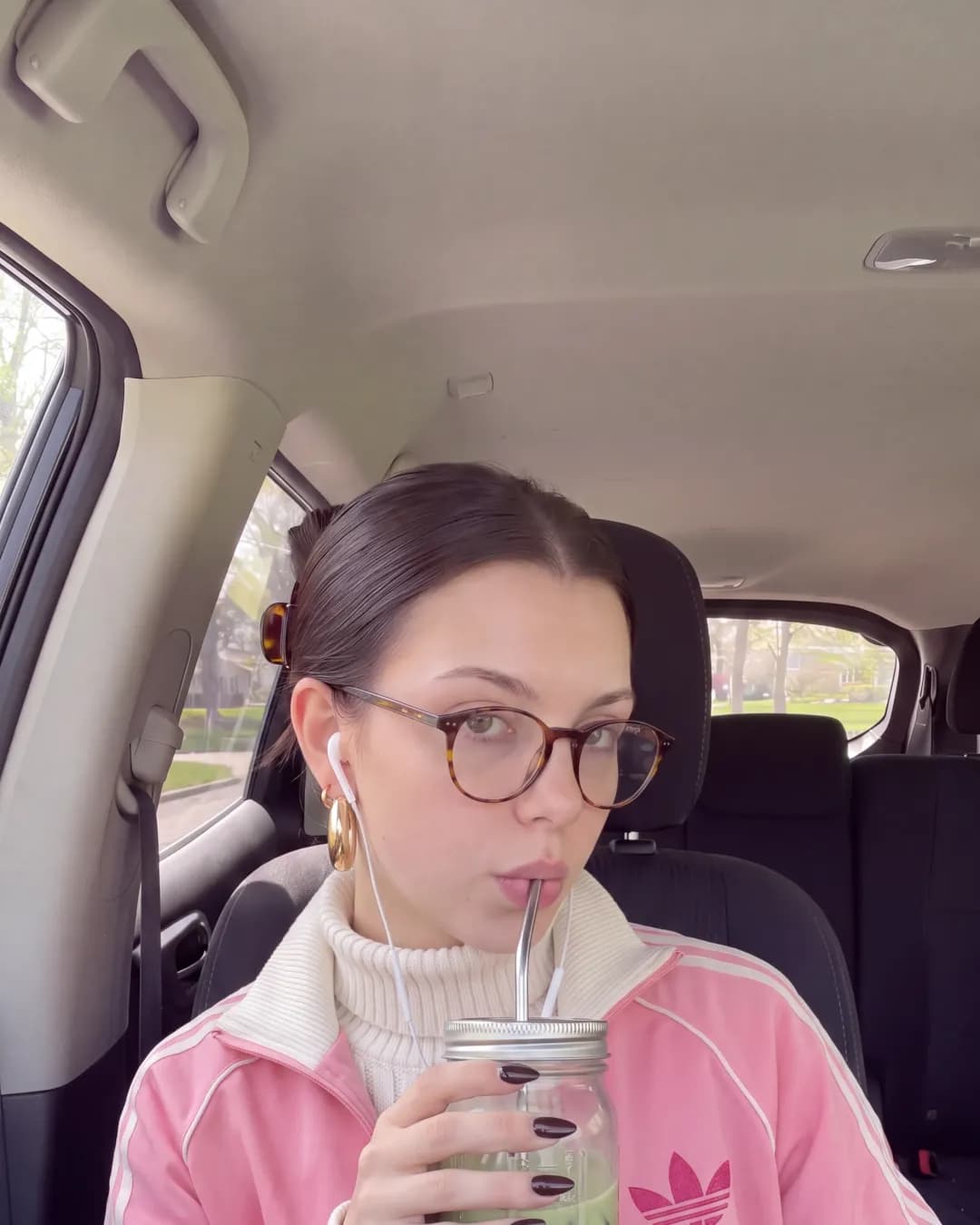
ChatGPT and Grok both make good photos now. Ask for a woman with tortoiseshell glasses drinking matcha in a car, and you'll get one. Ask again tomorrow and you'll get a different woman.
That is fine for a one-off picture. For an AI influencer, it ends the account. Followers notice when the face changes.
Why chat apps forget the face
ChatGPT and Grok make each image from the words and photos in the current chat. They don't keep a saved person you can call by name. The usual workaround is to upload the same reference photos in every new chat and hope the model reads them the same way. It works for a few images and then drifts. The nose gets thinner, the glasses change shape, the age moves.
Claude doesn't make photos at all. It can describe and plan them, and it can use outside tools to make them.
What a saved character changes
Orior saves your character once, from 1 to 3 photos of a face. After that you only say the name. Every image and video uses the same face, so the person in post 50 is the person in post 1.
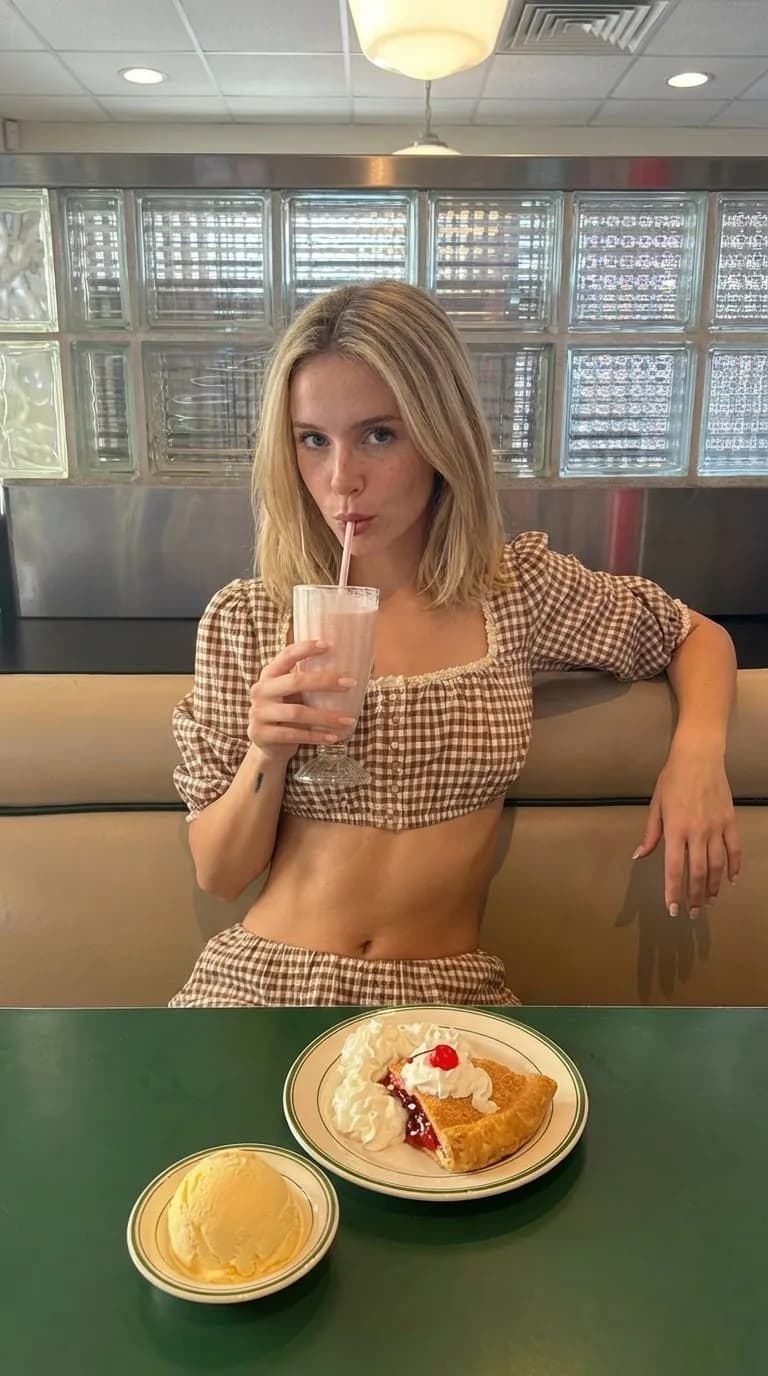
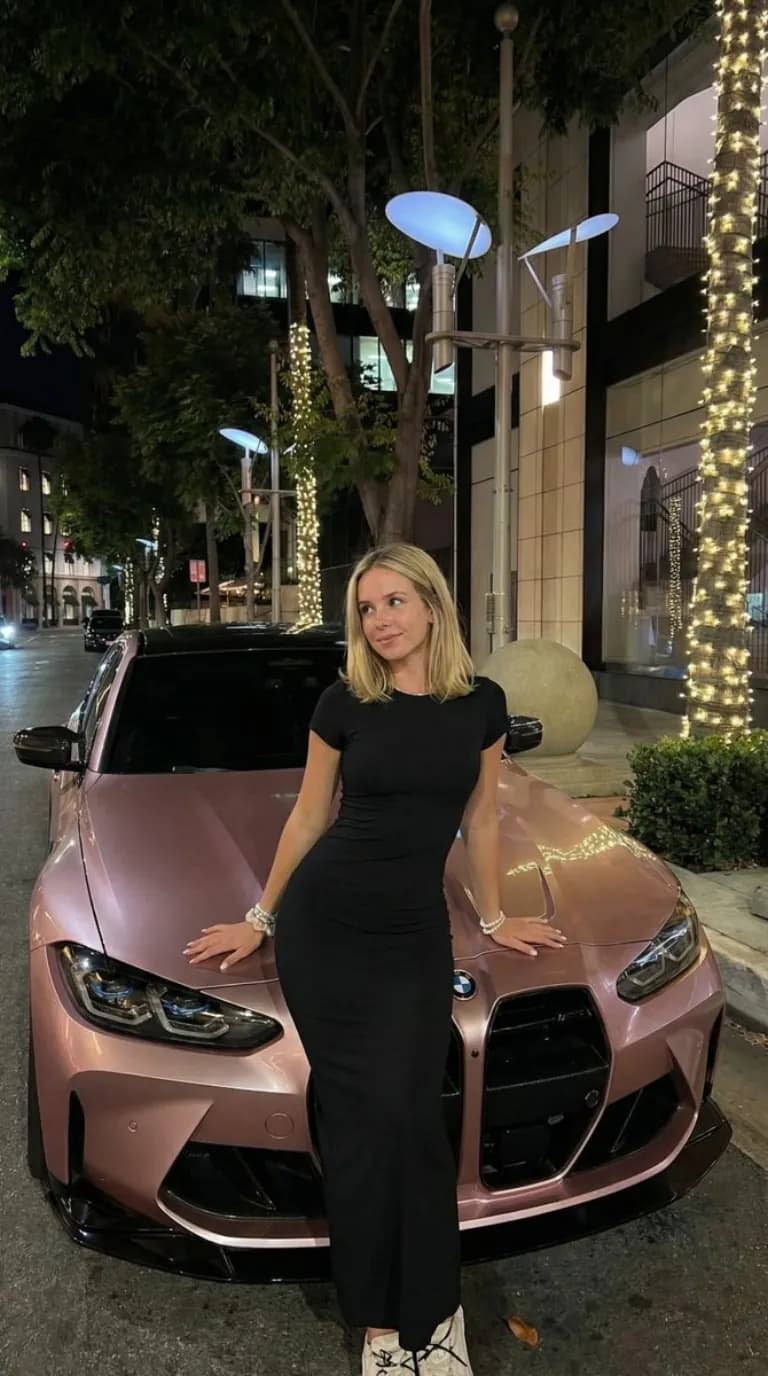
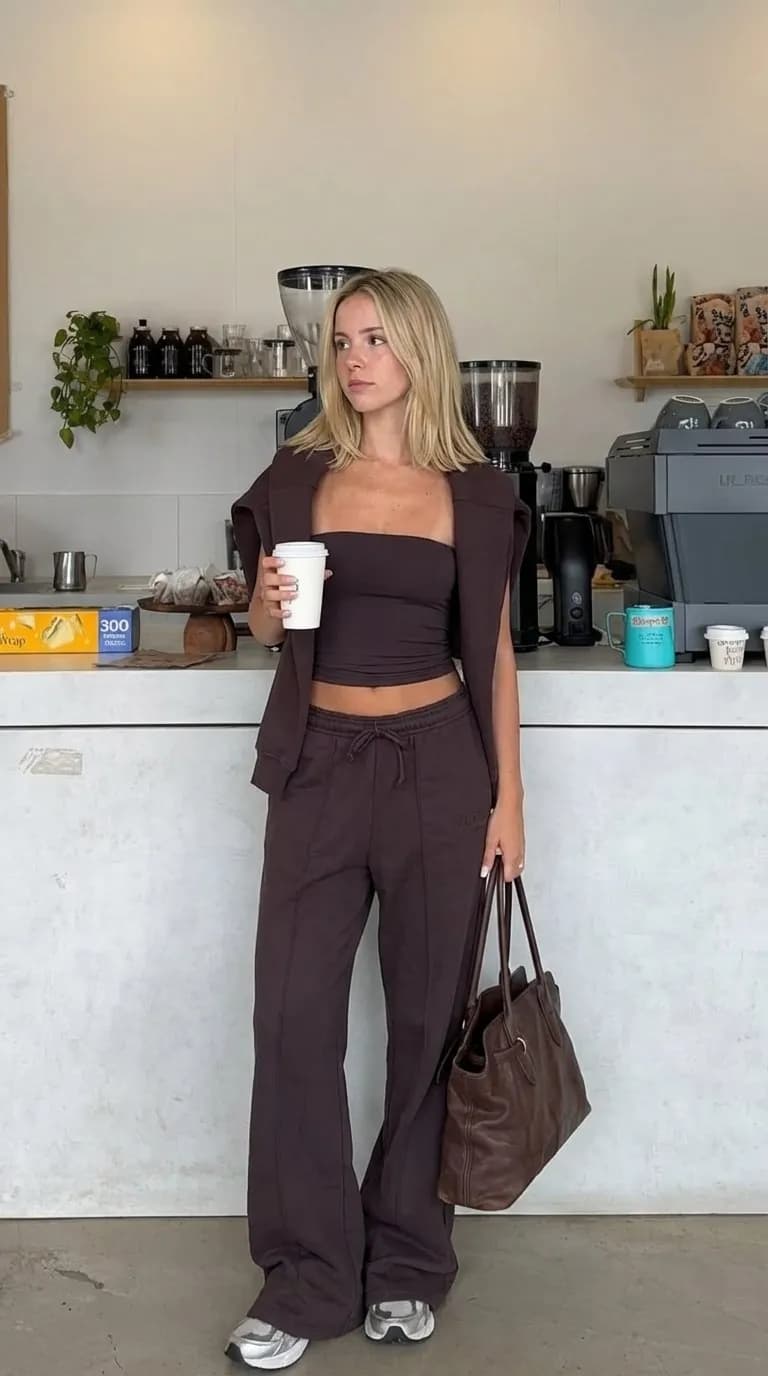
This clip is one character in six outfits, all made in Orior:
Keep the chat app, add the character
You don't have to choose. Orior connects to ChatGPT, Claude and Grok, so you keep asking in the chat app you like and Orior makes the image with your saved character.
Here is how it looks in ChatGPT:
The chat app writes the request. Orior holds the face and makes the photo. The result also lands in your Orior Library.
Side by side
| ChatGPT images | Grok images | Claude | Orior in any of them | |
|---|---|---|---|---|
| Makes photos | Yes | Yes | No | Yes |
| Saved character you call by name | No | No | No | Yes |
| Copy a photo with your character in it | Roughly, with a new upload each time | Roughly, with a new upload each time | No | Yes, same pose, framing and light |
| Posts to Instagram, TikTok and more | No | X only | No | Yes, after you confirm |
When the built-in tools are enough
If you need one picture for a slide, a meme or a mock-up, the built-in tools are quick and you already pay for them. Use them.
When you need the same person again next week, connect a character. This guide shows how to do it in each app in about a minute.