Why Your AI Character's Face Keeps Changing (and How to Fix It)
Your character looks right in one photo and like a cousin in the next. What causes face drift, how Orior keeps a face the same, and what to change in your photos, prompts and videos.
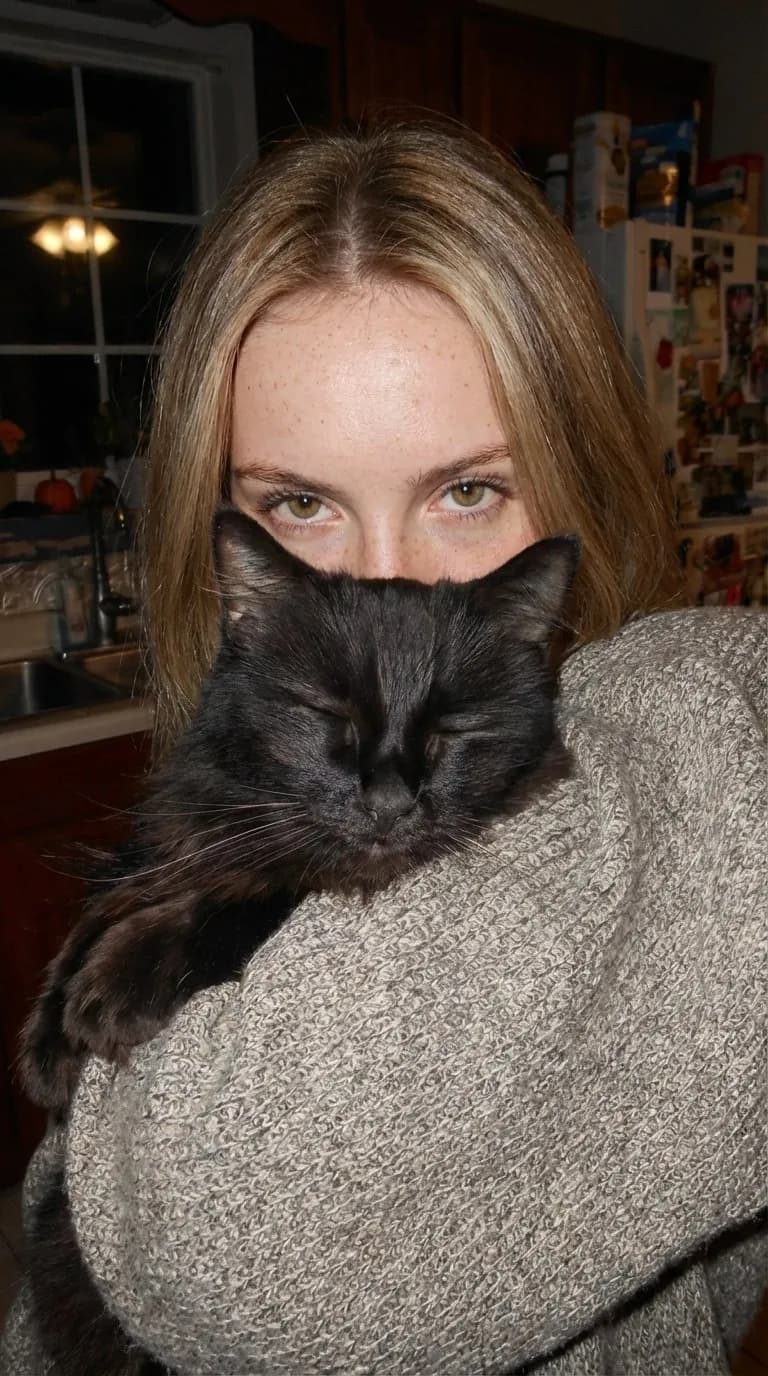
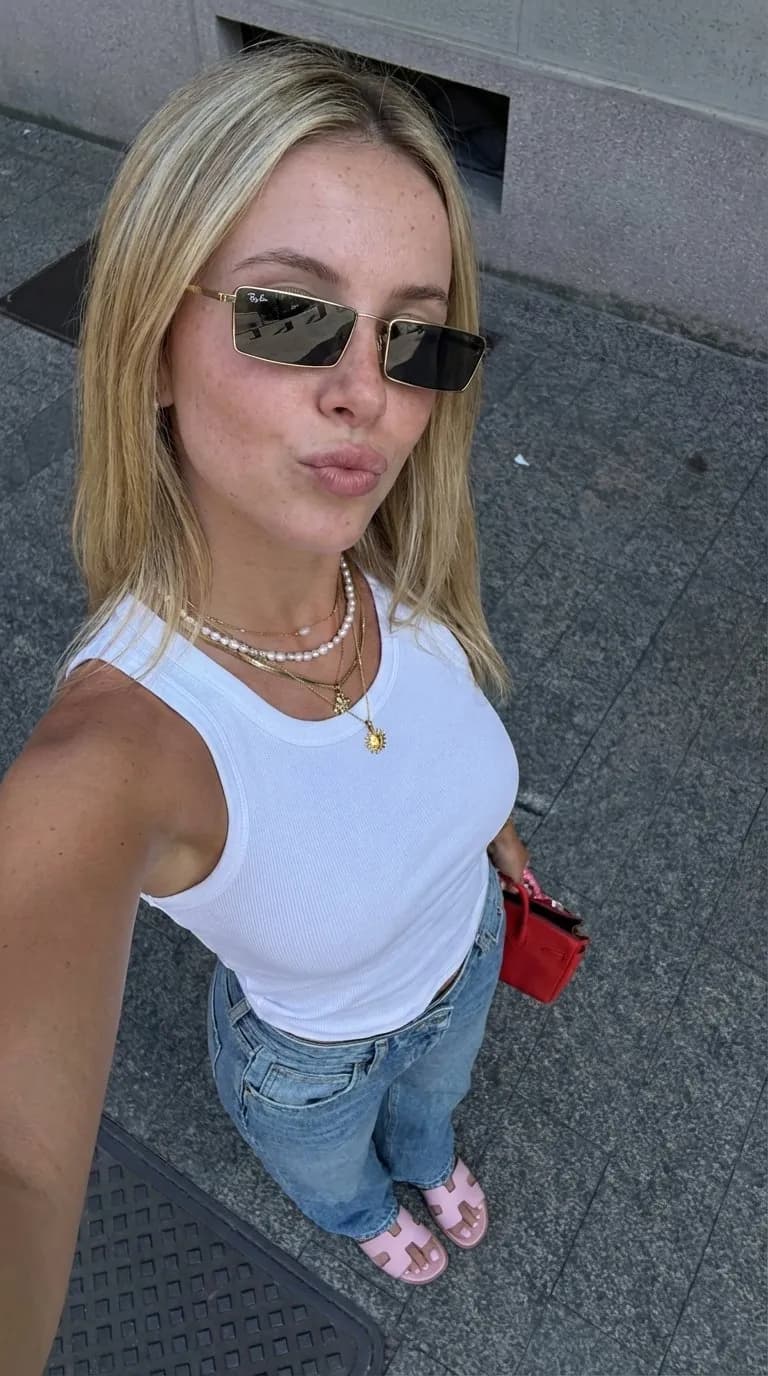
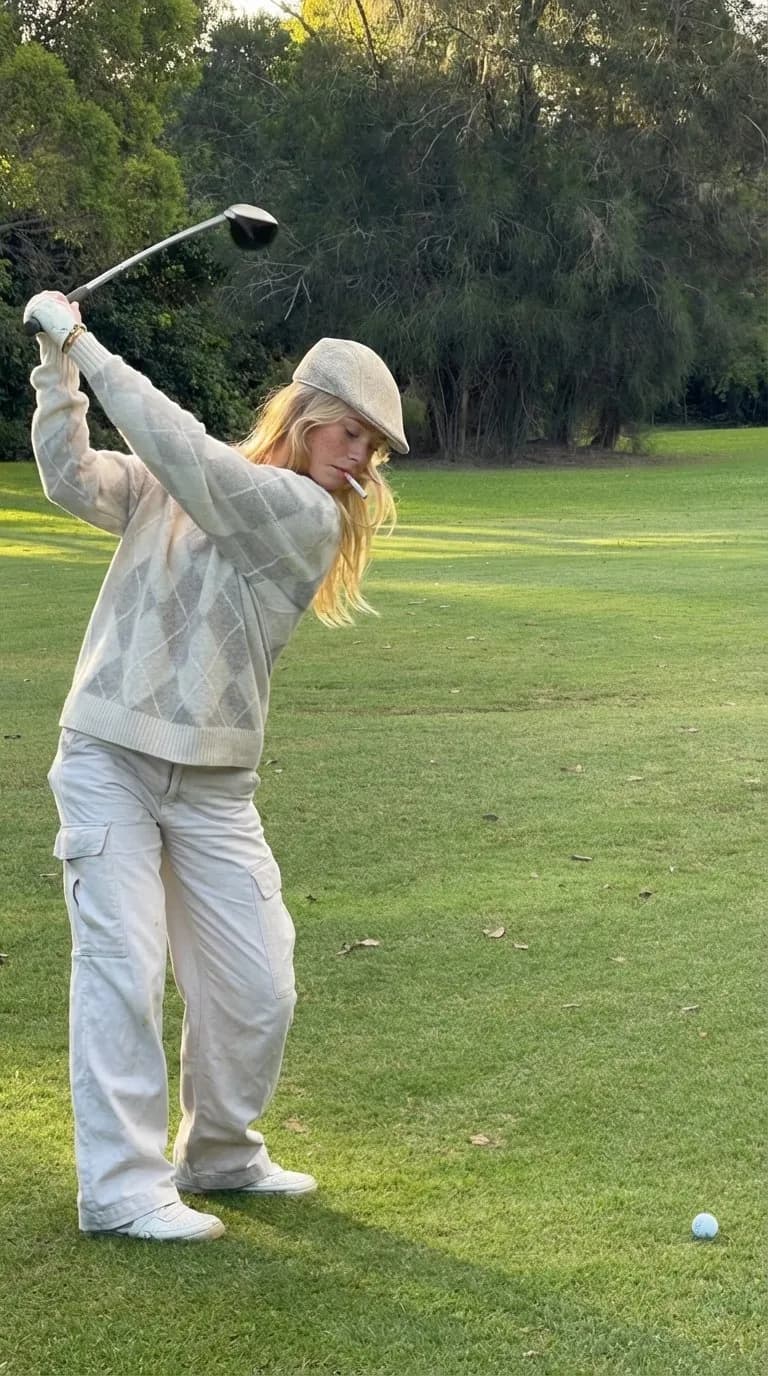
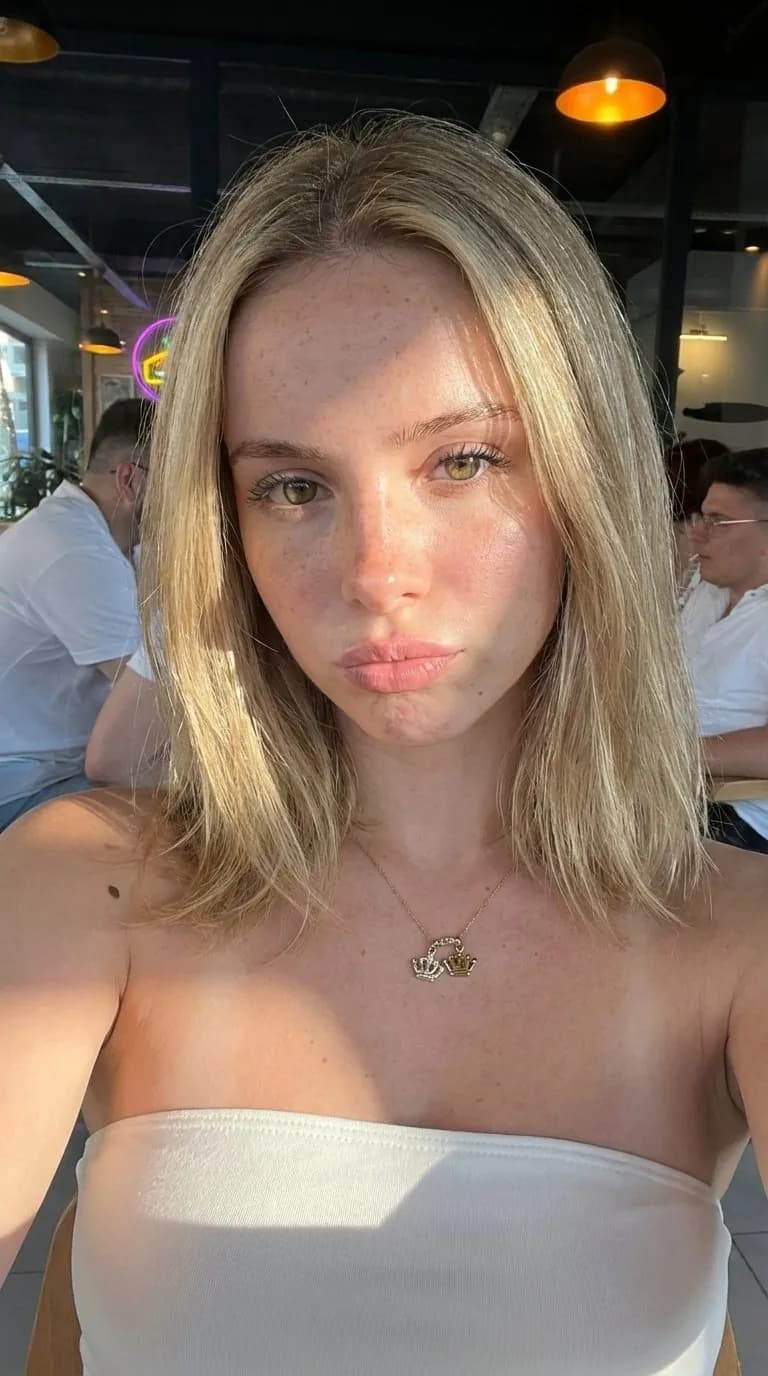
Your character looks right in one photo and like her cousin in the next. One post at a time, you might not notice. Put nine of them side by side on a profile grid and it is hard to miss.
This guide covers what causes the drift and what to change for each cause. Most of the fixes take a minute.
What Orior does with your photos
It helps to know what happens when you press create.
When you make a character, you upload 1 to 3 face photos. Orior reads all of them once and writes a detailed description of the face, hair and build. After that, every image of the character gets two things: your first photo as the face to match, and that written description.
Two things follow from this. The first photo matters most. And the photos need to agree with each other, because the description is built from all of them.
1. Your first photo is weak
The first photo is the face Orior matches every time, so make it your best one:
- Facing the camera, with both eyes visible.
- Sharp and evenly lit, without hard shadows across the face.
- No sunglasses, no hand on the face, no beauty filter.
- Close. When you upload, each photo is scaled down to 1024 pixels wide, so a small face in a big photo loses detail. Crop to head and shoulders first.
If your character started from a weak photo, make it again with a better one in first place. A character made from your own photos costs no credits.
2. Your photos don't match each other
If one photo is five years old, one has a filter and one was taken in harsh sun, the description lands somewhere between three slightly different people. Pick photos from around the same time, with the same hair, and the same glasses or none.
One clear photo is better than three that don't agree.
3. The prompt describes the face
Orior already sends a full description of the face with every image. If your prompt asks for blue eyes, a sharper jaw and fuller lips, you are asking for a slightly different person, and you will get one.
Write about the scene, the outfit, the light and the camera. Leave the face to the character. When you want a change on purpose, like red lipstick for one shoot, name only that change.
4. The face is small in the frame
Wide shots, full-body shots in big landscapes and crowds leave the face with very few pixels, and that is where likeness slips first. For a travel shot, frame it from the waist up, or pick 4K so the face gets more pixels.
5. The angle is far from your photo
Your first photo is a front view. A profile, a face seen from above, eyes shut in a big laugh: the further a shot is from that front view, the more the model has to guess. If your character often appears in profile, add a clear side photo as the second or third photo. It goes into the description.
6. You keep editing the last result
When you edit an image, keep your character selected. Orior then matches the face to your character again on every edit. Without a character, an edit only has the last image to go on, and small changes add up from one edit to the next.
7. The face changes in video
Video models redraw the face as it moves. In Orior, a video of your character starts from a photo of the character, and the video model animates that frame. A few things help:
- Start from a photo you already like. Pick it from your Library as the start frame instead of having a new one made.
- If the face slips late in a clip, try a shorter one.
- If your character is made from photos of a real person, skip the Seedance models. In Orior they are for fictional characters and decline a photo of a real person.
Check the grid, not the single photo
Drift is easy to miss one image at a time. Before you post, look at the last nine images of the character together in your Library. If one looks off next to the others, make it again or leave it out.