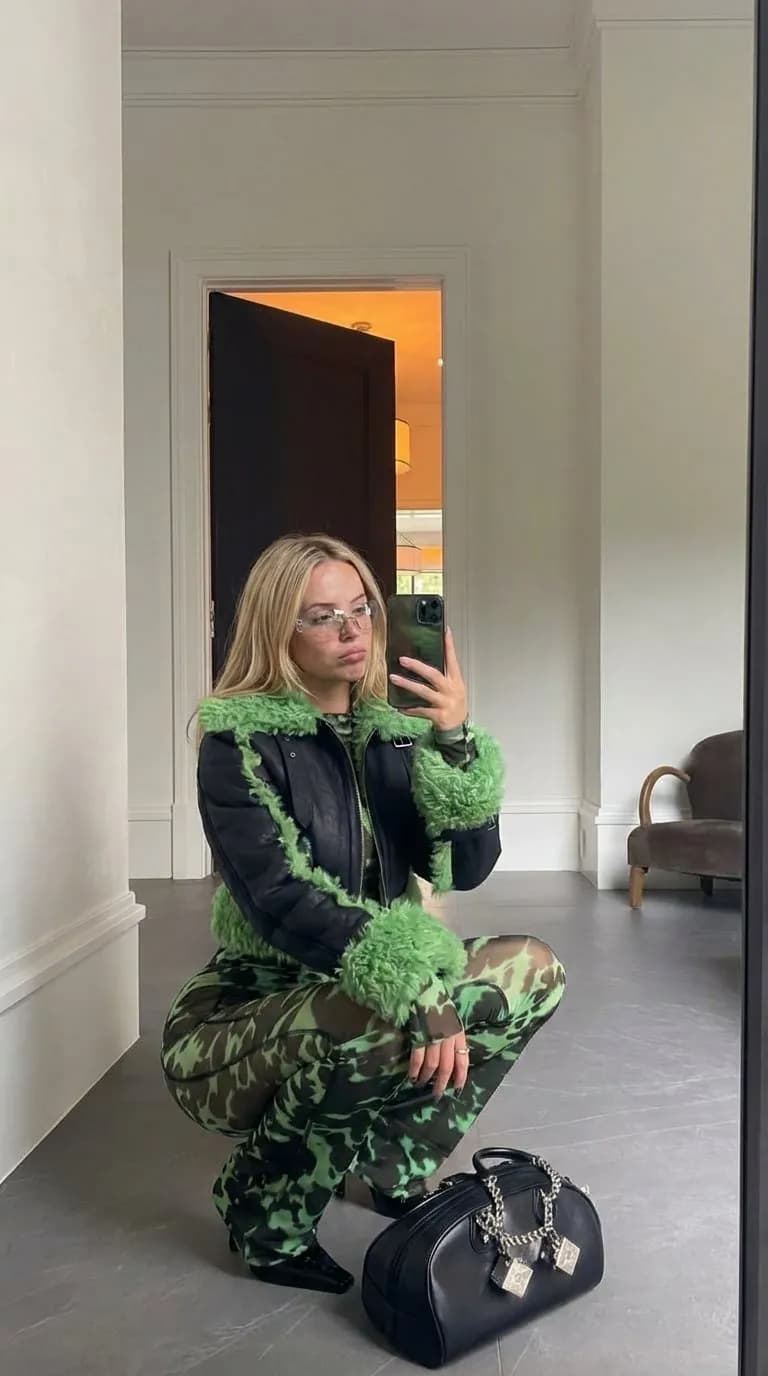
How to Make AI Generated UGC for Brands: A Complete Guide
Learn how to make AI generated UGC for brands that looks authentic and converts. Discover tools, workflows, and strategies for scalable video content.

The traditional model of User Generated Content (UGC) is undergoing a significant transformation. For years, brands and agencies have relied on a linear process: finding creators, shipping physical products, waiting for filming, and managing lengthy revision cycles. While effective, this model is difficult to scale and often comes with high overhead costs. The emergence of synthetic media has introduced a more efficient path. Understanding how to make ai generated ugc for brands requires a shift in how we view digital authenticity and production workflows.
AI-generated UGC utilizes advanced machine learning models to create photorealistic videos that mimic the style of traditional creator content. This isn't about creating obvious animations; it is about generating high-fidelity characters that can demonstrate products, share testimonials, and engage with audiences on platforms like TikTok and Instagram. By leveraging these tools, brands can produce a volume of content that was previously impossible, all while maintaining complete control over the creative output.
The Core Components of AI-Generated UGC
To successfully implement an AI-driven content strategy, you must understand the technical pillars that hold the process together. Unlike standard video editing, AI video production relies on a combination of generative models and control mechanisms to ensure the final product looks human and relatable.
Photorealistic Character Consistency
One of the biggest challenges in synthetic media is maintaining the same face and body across different shots. If a character looks different in every frame, the illusion of UGC is broken. Modern platforms now offer consistent character generation, allowing you to lock in a specific persona. This persona becomes the 'face' of the brand, appearing in multiple videos without the need for a human actor to be present for every shoot.
Multi-Model Video Generation
The AI video space moves fast. No single model is perfect for every scenario. Some engines excel at fluid human movement, while others are better at cinematic lighting or complex physics. A robust workflow often involves switching between different providers like Kling 3.0, Veo 3, or MiniMax H3 depending on the specific needs of the scene. Accessing multiple engines through a single interface simplifies this process significantly.
Direct Social Distribution
Production is only half the battle. For UGC to be effective, it needs to be distributed across social channels frequently. Integrating your production tool with a content calendar and direct posting capabilities for Instagram, TikTok, and YouTube ensures that the generated content actually reaches the target audience without manual downloading and uploading hurdles.
Why Brands Are Moving Toward AI UGC
Efficiency is the primary driver, but the benefits extend into creative flexibility and data-driven iteration. When exploring how to make ai generated ugc for brands, the primary hurdle is often character consistency, but once solved, the advantages are numerous.
- Cost Reduction: Traditional UGC can cost anywhere from $150 to $1,000 per video depending on the creator's reach and production value. AI reduces this cost to a fraction of the price, typically tied to a monthly subscription or credit-based system.
- Speed to Market: A traditional shoot might take two weeks from ideation to final edit. AI allows for the creation of multiple video variations in under an hour.
- Global Localization: AI makes it easy to swap scripts into different languages while maintaining the same character, allowing brands to scale globally without hiring local creators in every region.
- A/B Testing at Scale: Brands can test ten different hooks with the same AI character to see which one performs best, optimizing for conversion rates in real-time.
Comparing Production Methods
| Feature | Traditional UGC | Standard AI Video Tools | Orior AI Platform |
|---|---|---|---|
| Cost | High ($$$) | Moderate ($$) | Low (Credit-based) |
| Turnaround | 7-14 Days | 1-2 Hours | Minutes |
| Consistency | Human-dependent | Often inconsistent | Photorealistic consistency |
| Scalability | Low | Moderate | High |
| Distribution | Manual | Manual | Direct Social Posting |
Step-by-Step Guide: How to Make AI Generated UGC for Brands
This guide outlines the technical requirements for how to make ai generated ugc for brands that actually converts. Following a structured workflow ensures that the content remains high-quality and avoids the 'uncanny valley' effect.
Step 1: Define the Brand Persona
Before generating any visuals, you need a clear profile of who your AI creator is. Are they a 25-year-old fitness enthusiast or a 40-year-old tech reviewer? Use image generation tools or built-in character creators to develop a consistent look. You can upload a reference photo or describe the character in detail. This persona will be the foundation of your entire campaign.
Step 2: Scripting for Engagement
UGC scripts should feel natural and unpolished. Avoid corporate language. Use 'hook-body-CTA' structures.
- The Hook: Stop the scroll in the first 3 seconds (e.g., "I found the only product that actually fixes...").
- The Body: Demonstrate value or share a personal-feeling story about the product.
- The CTA: A clear instruction, like "Check the link in bio."
Step 3: Selecting the Right Video Engine
Different engines provide different aesthetics. If you need a high-action shot of someone running, Seedance or Wan 2.6 might be appropriate. If you need a close-up talking head with perfect lip-sync and facial expressions, Kling 3.0 or Veo 3 are often superior. Using a platform like Orior AI allows you to test these different providers without maintaining seven different subscriptions.
Step 4: Applying Pose Control and Face-Swap
To make the video look like genuine UGC, you often need the character to perform specific actions, like holding a phone or unboxing a package. Pose control features allow you to direct the movement of the AI character. If you already have a video of yourself or a team member performing the action, you can use face-swap technology to overlay your consistent AI character onto that movement, ensuring the lighting and physics look 100% natural.
Step 5: Editing and Post-Production
Add native social media elements like text overlays, captions, and trending audio. AI-generated videos often benefit from a 'lo-fi' filter or slight grain to make them look like they were shot on an iPhone. This adds to the authenticity that brand audiences expect from UGC.
Step 6: Scheduling and Distribution
Once the video is ready, use a content calendar to schedule posts across TikTok, Instagram, and YouTube Shorts. Consistency is key in social algorithms. Posting 3-5 times a week using AI-generated content is much more sustainable than trying to film that many human-led videos.
Overcoming the Authenticity Gap
Agencies are now prioritizing how to make ai generated ugc for brands to reduce overhead costs, but the biggest fear is that the content will look 'fake.' To avoid this, focus on the following techniques:
Lighting and Environment
Avoid perfectly clean, studio-lit backgrounds. Real UGC happens in bedrooms, kitchens, and cars. When prompting your AI generator, include environmental cues like "messy desk in background," "natural sunlight through a window," or "slightly shaky handheld camera motion."
Micro-Expressions
Static faces are a giveaway for AI. Use tools that support advanced facial animation. Ensure the character blinks, tilts their head, and has slight imperfections in their skin texture. These small details are what convince the human eye that the subject is real.
Voice and Audio
Don't use robotic text-to-speech. Use high-quality AI voice cloning that captures the nuances of human breath, pauses, and inflection. Better yet, record your own voice and use an AI voice-changer to match the persona of your character. This ensures the pacing of the speech feels organic.
Scaling Content for Agencies and Influencer Marketers
For UGC agencies, the goal is to manage multiple clients simultaneously. Using a credit-based billing model allows agencies to allocate resources where they are needed most.
- Creator Plan (€15/mo): Ideal for small brands or solo creators testing the waters with a few videos a month.
- Influencer Plan (€39/mo): Best for those needing higher volume and more advanced generation features.
- Agency Plan (€99/mo): Designed for high-output teams managing dozens of brand accounts, offering the best cost-per-credit ratio and advanced scheduling tools.
Mastering how to make ai generated ugc for brands involves more than just clicking a generate button. It requires a strategic approach to character development and a deep understanding of social media trends. By combining the creative power of multiple AI engines with the logistical ease of direct social posting, brands can create a content engine that operates around the clock.
As the technology continues to evolve, the line between human-shot and AI-generated content will continue to blur. The brands that adopt these workflows early will be the ones that dominate the feed with high-quality, high-frequency storytelling without the traditional bottlenecks of production.