10 Things to Make With Orior in ChatGPT and Claude
Once Orior is connected to ChatGPT or Claude, what can you actually ask for? Ten requests that work, from travel series and outfit sets to videos and scheduled posts, with real results.

Connecting Orior to ChatGPT or Claude takes about a minute. This guide has the steps. The harder question is what to ask for once it's there.
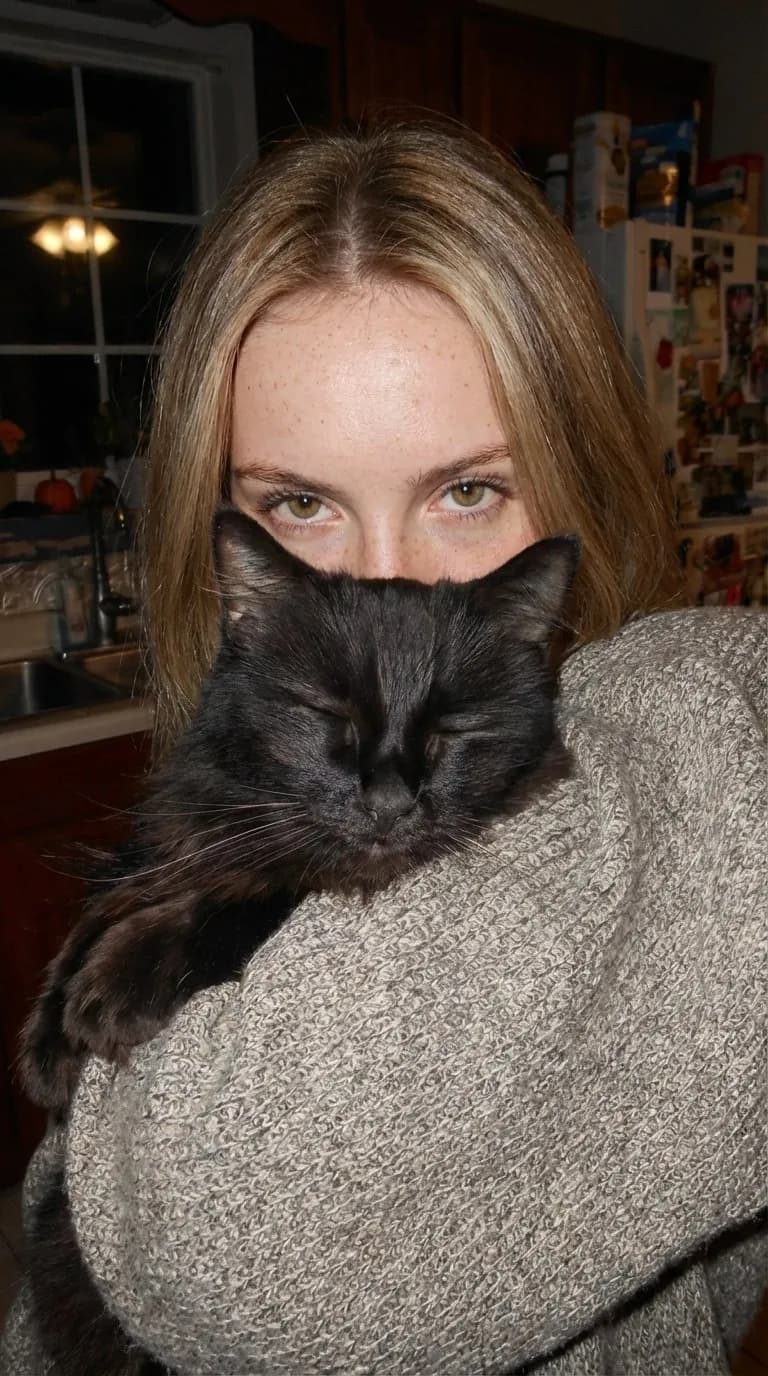
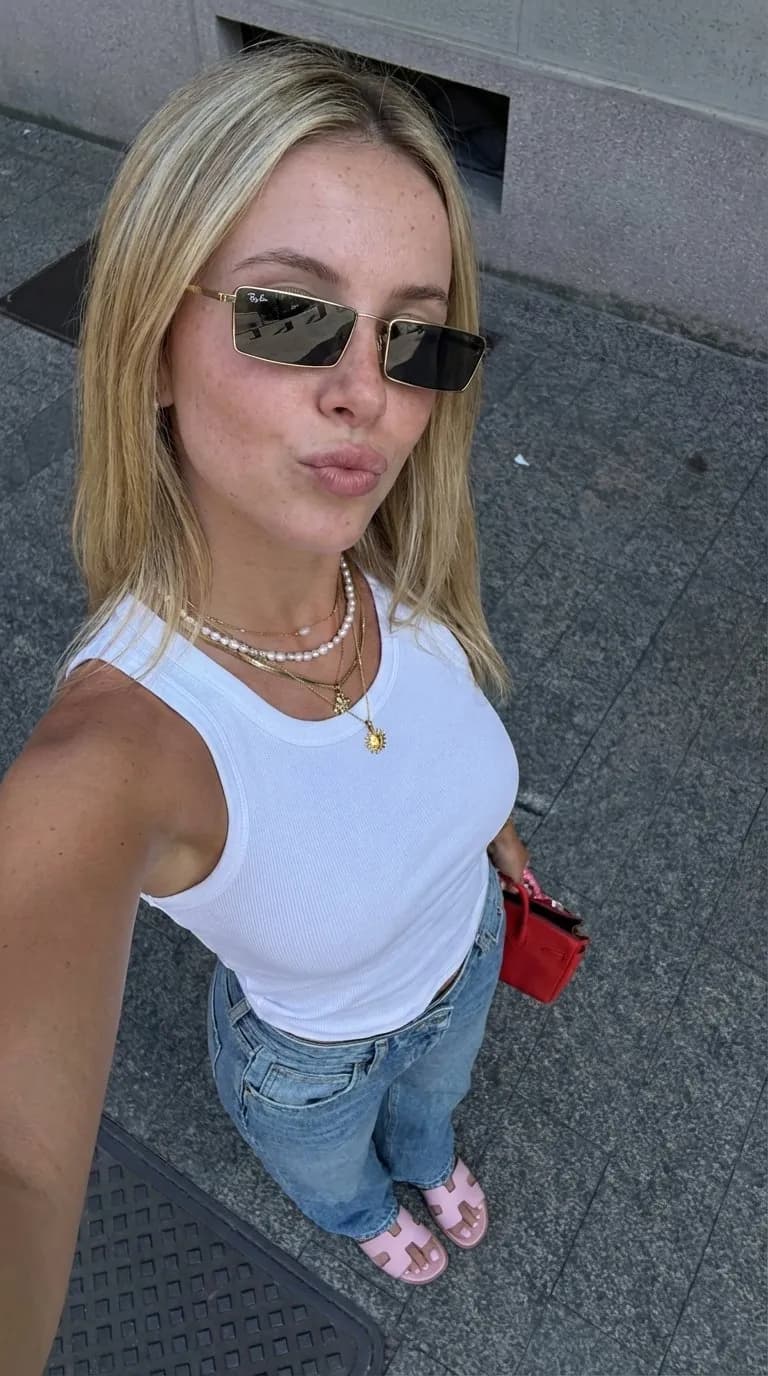
These are ten requests we use with Katherine, one of our test characters. Swap in your character's name. Each one works in ChatGPT, Claude, Claude Code, Cursor and Grok.
1. A travel series
"Put Katherine in Paris, Rome, Venice and Santorini. One selfie each, golden hour, phone camera."
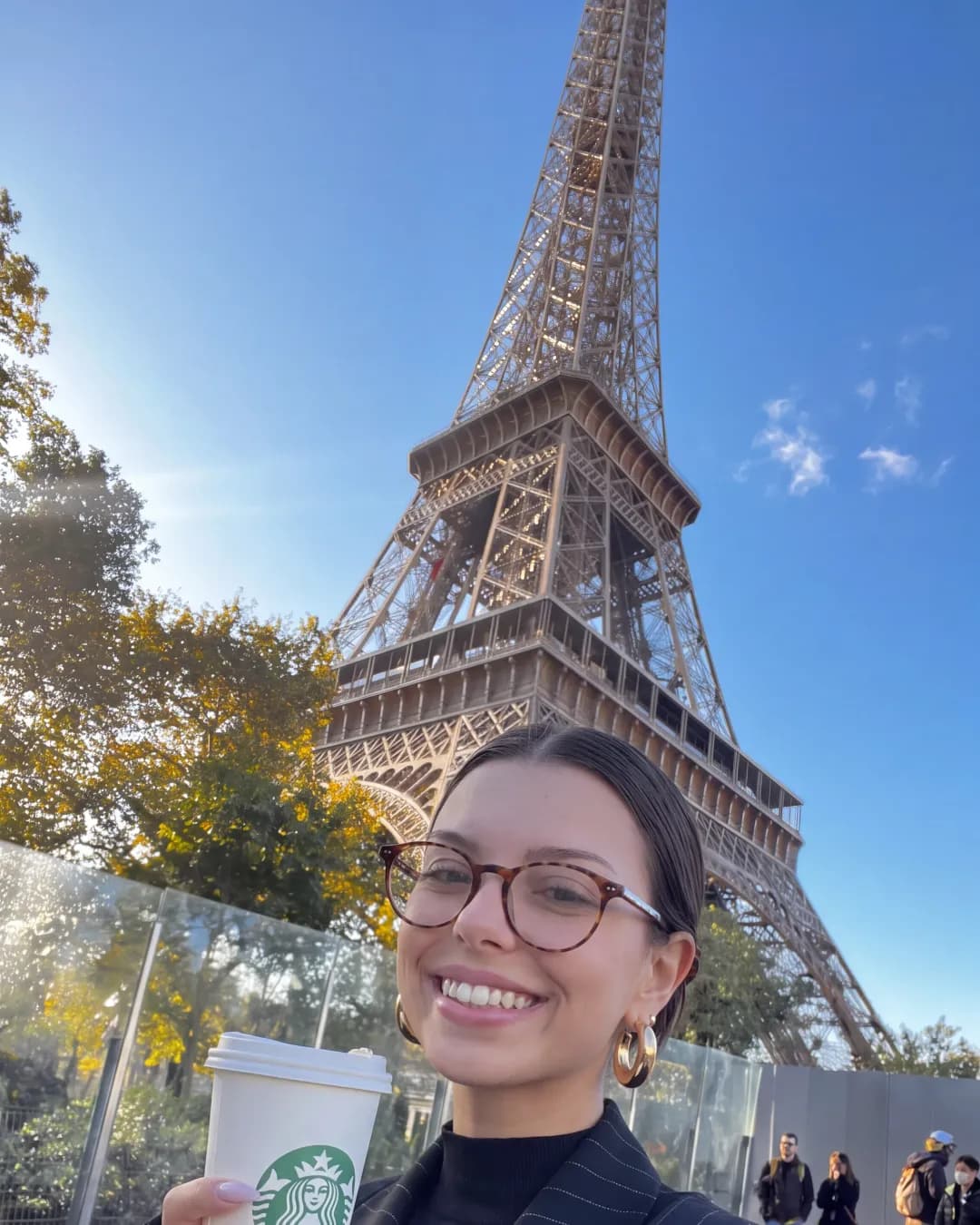

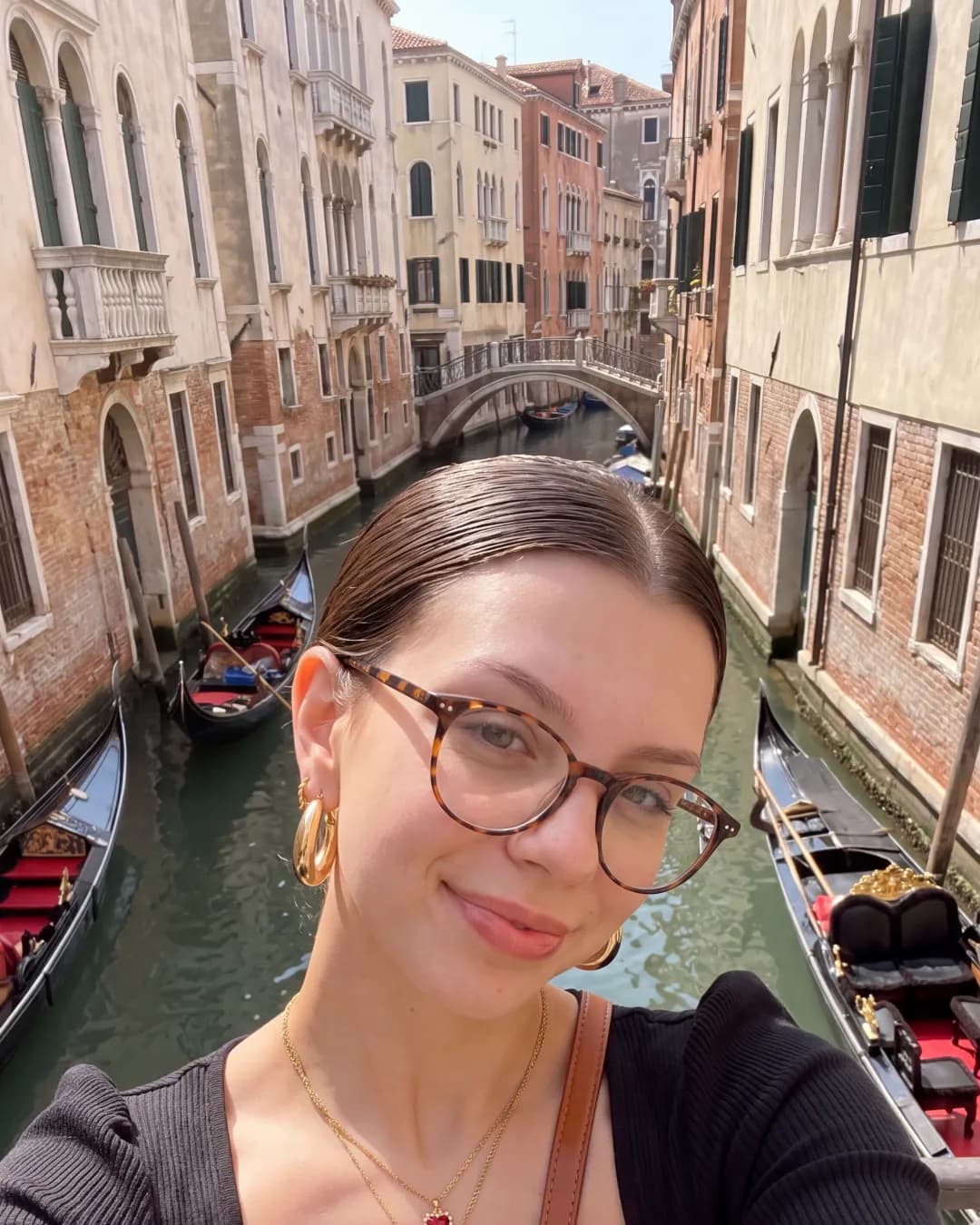
Orior has a ready-made prompt for this called Same face, new places. Name the places, or let the assistant pick four.
2. Nine countries before lunch
The same request, scaled up, makes a whole Reel. We made this one in about six minutes:
3. Copy a photo you saved
Attach a photo from Pinterest, Instagram or your camera roll and write: "Put Katherine in this photo." The pose, framing and light stay, the person becomes your character. In ChatGPT attach it to your message. In Claude, drop it into the upload box Orior shows.
4. One outfit, then five more
"Same photo of Katherine in the car, but make five versions with different outfits: a pink track jacket, a brown jacket, a grey hoodie, a blue sweatshirt and a striped top."
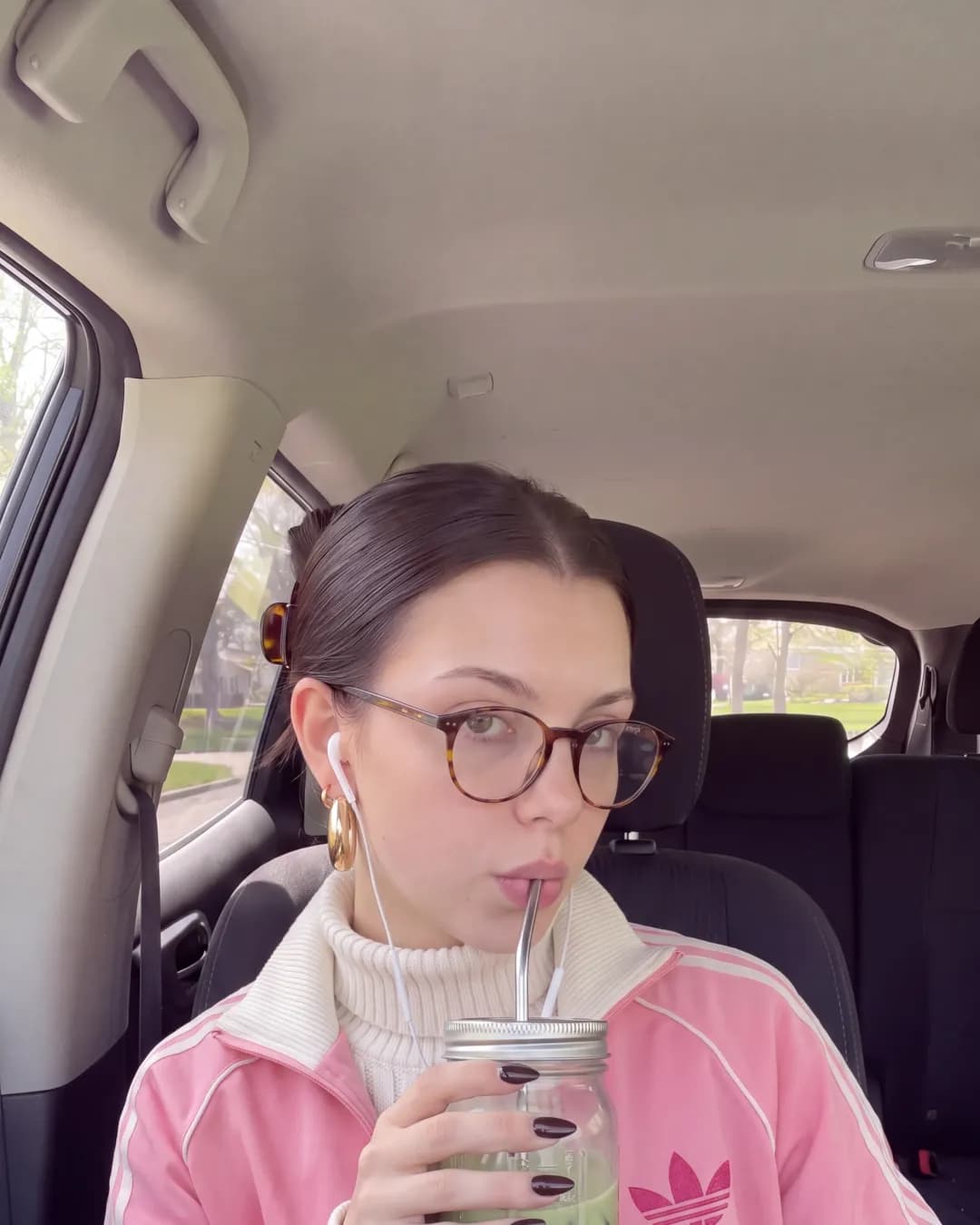
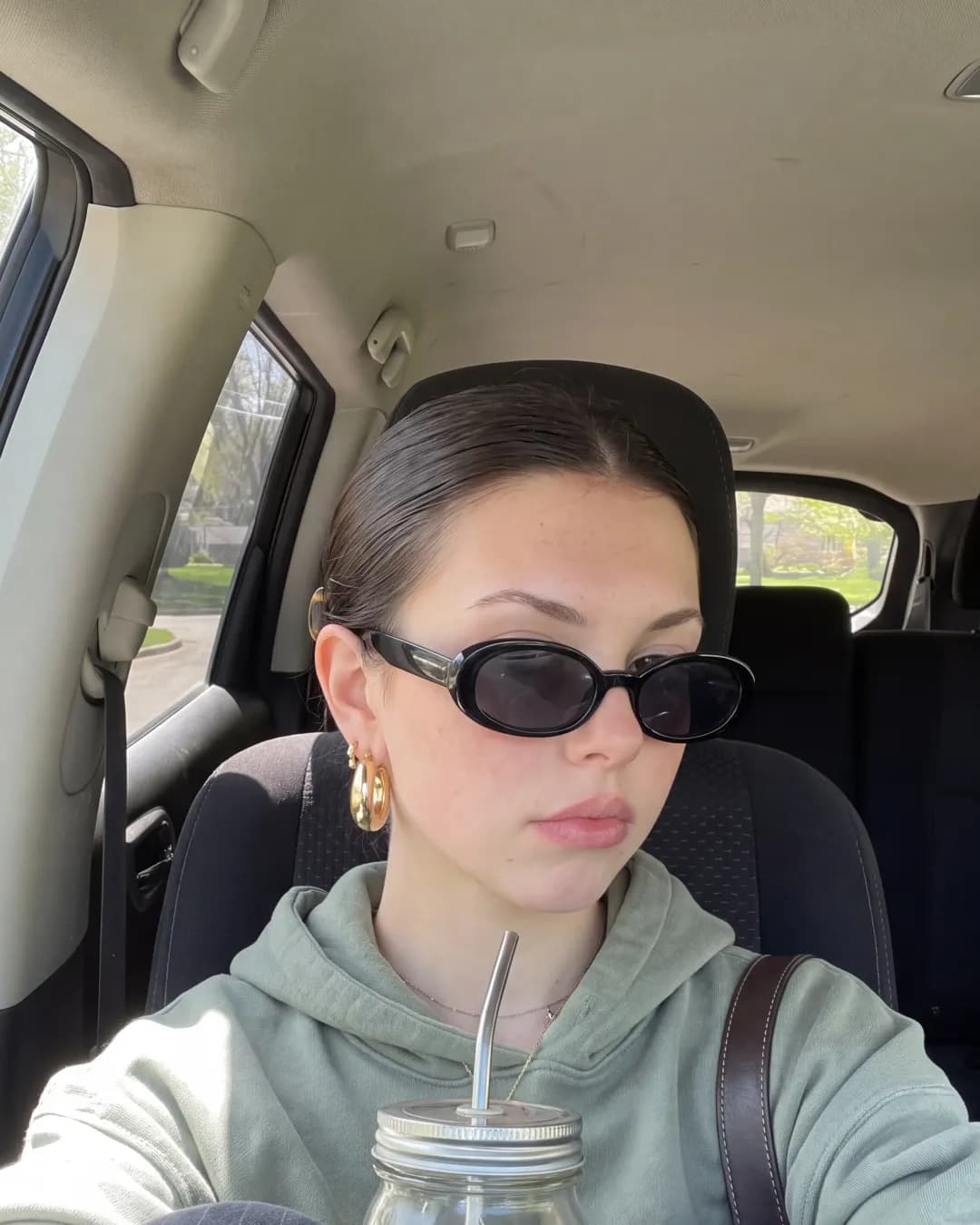
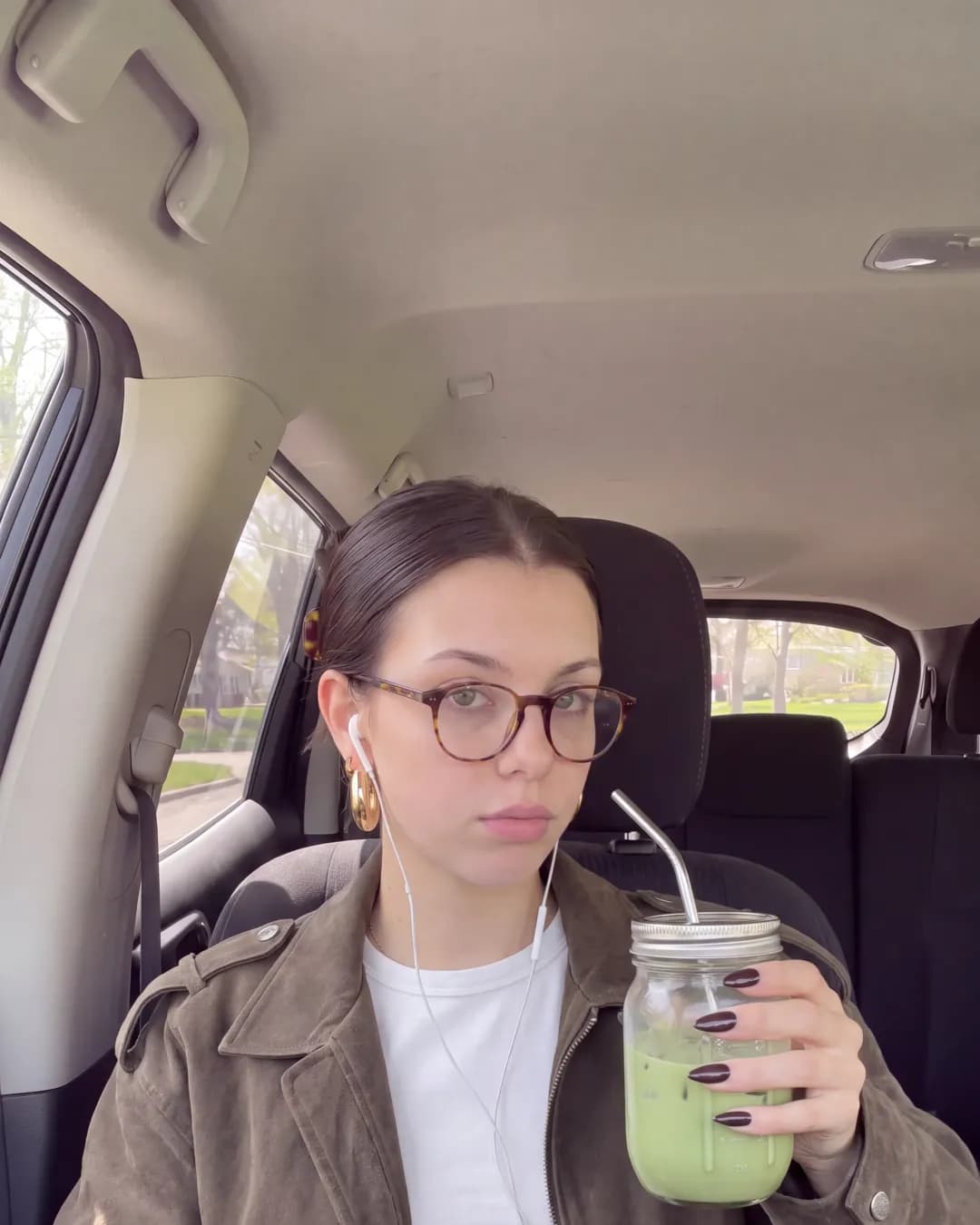
You can also attach a photo of a real piece of clothing and say "wearing the jacket from this photo".
5. Product in hand
Save your product in Orior once, then: "Make 3 photos of Katherine holding the serum in her bathroom, morning light." The Product in hand prompt does the setup for you.
6. A week of UGC style posts
"Make 7 phone camera photos of Katherine for a week of posts: coffee, gym, desk, mirror selfie, a walk, dinner, bed. Vertical."
The UGC photo set prompt gives the assistant the right defaults. Ask for one first and the other six once the look is right.
7. A photo that moves
"Make an 8 second vertical video from the second photo. She turns to the camera and laughs."
Ask for the price first. Video costs more than a photo, and the assistant can get the exact number from Orior before it starts.
8. A dance or trend clip
Send a trend clip of 1 to 30 seconds and ask for the same moves with your character. Orior uses Kling 3.0 Motion Control to copy the motion onto your character, and prices it by the length of the clip.
9. A new character from scratch
"Make me a new character: a 26 year old runner from Lisbon with short curly hair. Show me a first portrait."
Or send 1 to 3 photos of a face and ask the assistant to save it as a character. A character made from your own photos costs no credits.
10. Post it, or schedule it
"Post the Paris, Rome and Venice photos to Instagram and TikTok tomorrow at 9 with a short caption."
The Post and schedule prompt shows you the photos, the caption and the time, and waits for your OK. Posting needs a paid plan and your accounts connected to the character. If one is missing, the assistant gives you a sign-in link.
ChatGPT or Claude?
Both work the same way and both show a creation card, where you can check the character, the photos, the prompt and the price before you press Create. Use the one you already have open.
| ChatGPT | Claude | |
|---|---|---|
| Creation card with preview and price | Yes | Yes |
| Sharing a photo to copy | Attach it to your message | Drop it in Orior's upload box |
| Ready-made prompts | Yes | Yes |
What it costs
From a chat app, an image costs 2 credits at 1K or 2K and 3 at 4K. Checking prices, reading your library and uploading photos are free. Failed generations give the credits back on their own.