How to Create AI Model for Instagram: A Complete 2026 Guide
Learn how to create ai model for instagram with photorealistic consistency. Master virtual influencer creation, video generation, and social media growth.
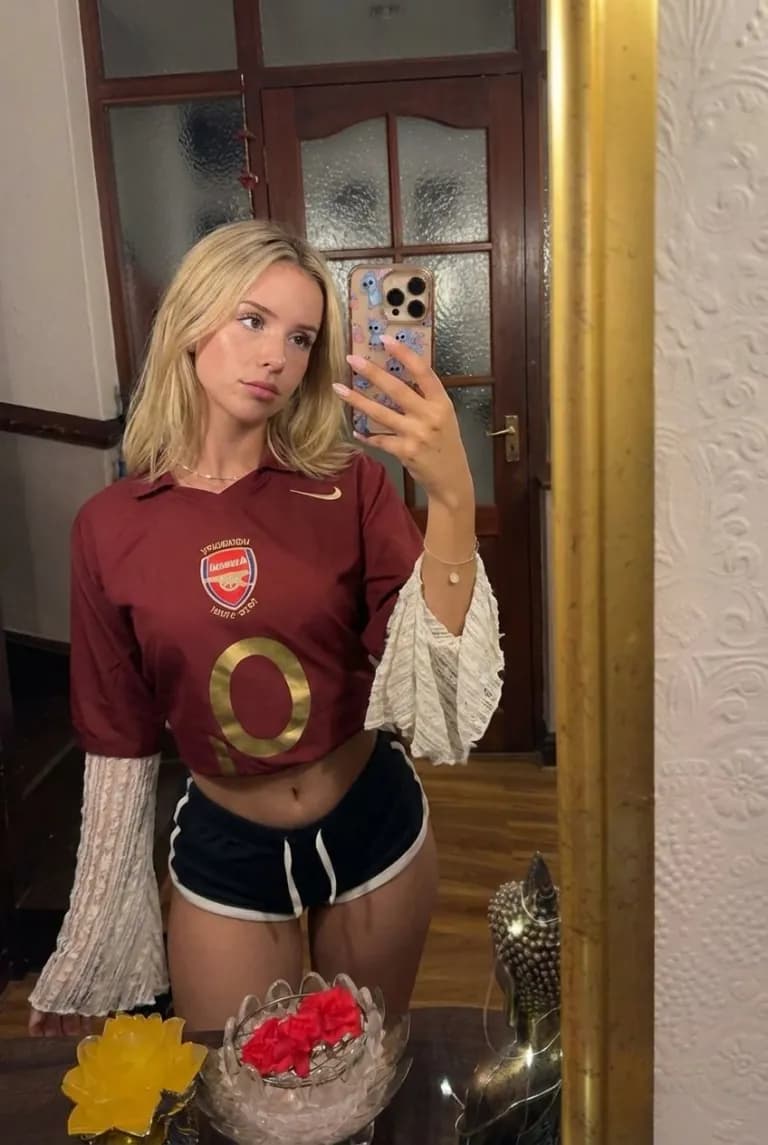
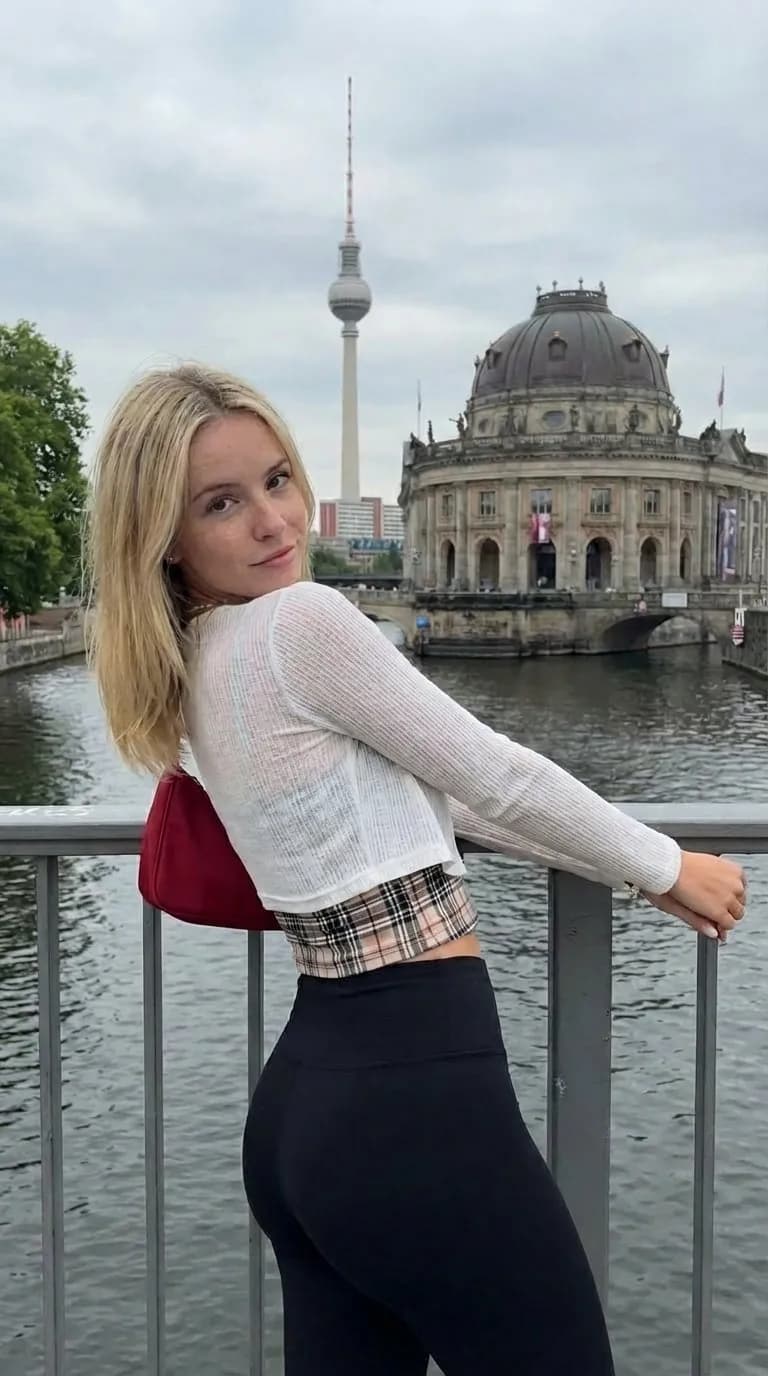
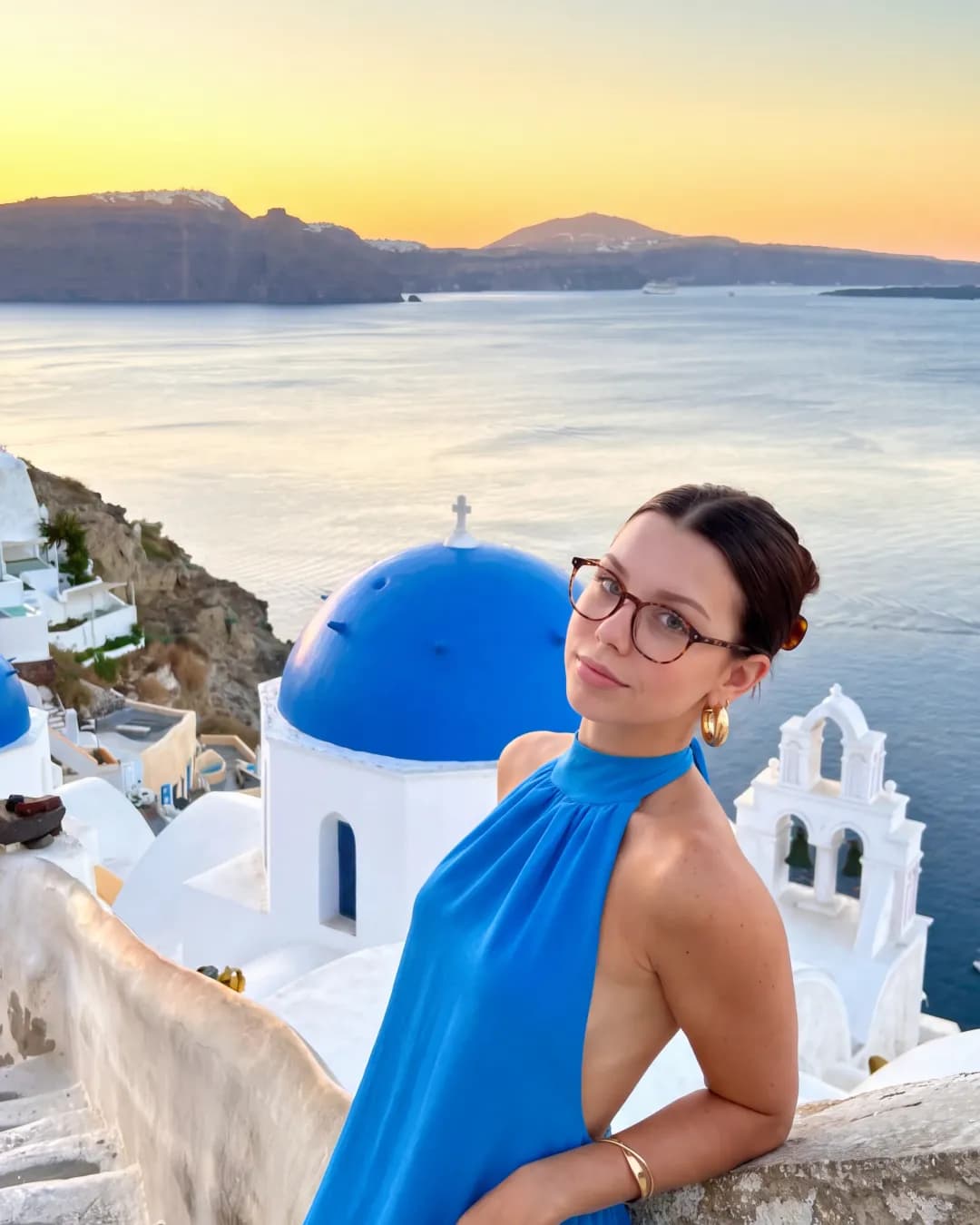
The rise of virtual influencers has fundamentally changed how brands and creators approach visual storytelling on social media. What once required a team of photographers, models, and editors can now be achieved through sophisticated generative tools. When you decide to create ai model for instagram, you are not just generating a single image; you are building a digital persona capable of maintaining a consistent appearance across thousands of posts, stories, and videos. This shift allows for unprecedented creative control and the ability to scale content production without the logistical constraints of physical photoshoots.
The Evolution of Digital Personas on Instagram
Instagram has always been a visual-first platform, but the barrier to entry for high-quality content has traditionally been high. Professional lighting, high-end cameras, and expensive editing software were the standard requirements for growth. AI technology has democratized this process. By using advanced algorithms, creators can now produce photorealistic characters that look and act like real people. These models can be placed in any setting, wear any clothing, and perform any action, all from a desktop or mobile interface.
Building an AI model involves more than just clicking a button. It requires a strategic approach to character design, an understanding of prompt engineering, and a reliable software stack that ensures the model looks the same in every single frame. This consistency is the difference between a one-off experiment and a successful virtual influencer account that can attract brand deals and a loyal following.
Defining Your AI Model Identity
Before opening any generation tools, you must define the identity of your character. A common mistake is jumping straight into generation without a clear vision. To successfully create ai model for instagram, you need to establish several key parameters:
- Visual Archetype: Is your model a high-fashion editorial figure, a fitness enthusiast, or a casual lifestyle creator? Define their age, ethnicity, hair color, and style.
- Personality and Tone: Does your model speak in a professional manner, or is the tone more laid-back and relatable? This will dictate the captions and the types of Reels you produce.
- Niche Focus: Successful Instagram accounts usually focus on a specific niche like travel, tech, beauty, or wellness. Your AI model should be designed to fit naturally into one of these categories.
Having a well-defined persona makes the prompt engineering process significantly easier. Instead of guessing what your model should look like, you can use a set of core descriptors to maintain visual integrity across different environments.
Establishing Photorealistic Consistency
Consistency is the single most important factor when you create ai model for instagram. If the face or body proportions change between posts, the illusion is broken, and the audience will lose interest. Achieving this consistency used to require training complex LoRA (Low-Rank Adaptation) models on powerful local hardware. However, modern SaaS platforms like Orior AI have simplified this through specialized consistency engines.
Character References and Seed Management
To keep your model looking the same, you need a strong character reference. This involves generating a master image that serves as the blueprint for all future content. Some platforms allow you to upload a reference image, while others use a dedicated character generation feature that locks in facial features and skin textures. By utilizing features like pose control and face-swap, you can take a base model and place it into various scenarios while ensuring the facial structure remains identical to your original design.
Lighting and Texture Control
Photorealism depends on the details. High-quality AI models require attention to skin pores, natural lighting, and realistic fabric textures. Using prompts that specify lighting conditions (such as 'golden hour,' 'soft studio lighting,' or 'cinematic shadows') helps ground the model in a realistic environment. Avoiding the 'plastic' look often associated with lower-quality AI generation is crucial for maintaining a professional presence on Instagram.
Transitioning from Static Images to Video
Static images are no longer enough to dominate the Instagram algorithm. Reels are the primary driver of reach and engagement. To truly create ai model for instagram successfully, you must be able to animate your character. This is where many creators struggle, as maintaining consistency in motion is significantly harder than in static frames.
Using a platform that integrates multiple video generation providers is essential. For instance, different engines excel at different types of movement. Some are better for subtle facial expressions, while others handle large-scale body movements like walking or dancing more effectively. By leveraging providers like Veo 3, Kling 3.0, and MiniMax H3, you can choose the right engine for the specific Reel you are creating.
The Video Generation Workflow
- Generate the Base Image: Start with your consistent character in the desired pose and setting.
- Select the Motion Engine: Choose a provider based on the complexity of the movement required.
- Refine the Output: Use image-to-video tools to ensure the character's features don't morph during the animation.
- Edit for Social: Add music, captions, and transitions within the Instagram app or your preferred editing suite.
Comparing AI Generation Platforms
Choosing the right toolset is vital for your success. While there are many options available, they vary significantly in terms of ease of use, consistency features, and social media integration.
| Feature | Orior AI | Midjourney | HeyGen | Synthesia |
|---|---|---|---|---|
| Consistency Engine | Built-in Character Reference | Style Reference / Seed | Avatar-based | Avatar-based |
| Video Providers | 7 Engines (Kling, Veo 3, etc.) | N/A | Proprietary | Proprietary |
| Social Posting | Direct to IG, TikTok, YT | No | No | No |
| Ease of Use | High (SaaS) | Medium (Discord) | High | High |
| Target Audience | UGC Creators / Agencies | Artists | Corporate Training | Corporate Training |
Platforms like Orior AI provide a comprehensive ecosystem specifically designed for social media. Unlike general-purpose art tools like Midjourney, which require external tools for video and scheduling, a dedicated UGC platform allows you to create ai model for instagram and manage the entire content lifecycle in one place.
Mastering Pose Control and Face-Swap
If you want your AI model to act as a UGC (User Generated Content) creator, they need to interact with products or appear in specific lifestyle settings. This is where pose control and face-swap technologies become indispensable.
Pose control allows you to map your AI model onto a specific skeletal structure. If you want your model to be holding a coffee cup or sitting at a desk, you can use a reference pose to ensure the anatomy is correct. Face-swapping allows you to take a high-quality stock photo or a video of a real person and replace their face with your AI model's face. This is an incredibly efficient way to produce realistic content quickly, as it bypasses the need for complex prompt engineering for every single scene.
Automating the Instagram Content Calendar
Consistency on Instagram isn't just about how the model looks; it is also about how often you post. Managing an AI influencer account can become a full-time job if you are manually generating, downloading, and uploading every piece of content.
To scale effectively, you should use a content calendar and scheduling tool. This allows you to batch-produce content for an entire week or month. By generating several images and Reels at once, you can schedule them to go live at peak engagement times. Some advanced platforms offer direct social media posting to Instagram, TikTok, and YouTube, which removes the friction of transferring files between devices.
Monetization Strategies for AI Models
Once you have successfully learned how to create ai model for instagram and have built a following, the next step is monetization. Brands are increasingly open to working with virtual influencers because they are brand-safe, infinitely flexible, and often more cost-effective than human influencers.
- Affiliate Marketing: Your AI model can promote products through specialized links in the bio or stories. Fashion and tech are particularly lucrative niches for this.
- Sponsored Posts: Brands may pay to have your AI model 'wear' their clothing or 'use' their software in a post.
- UGC for Brands: Instead of growing your own following, you can act as a UGC agency, creating AI-generated ads for brands to use on their own social media channels.
- Subscription Content: Platforms like Patreon or Fanvue allow creators to offer exclusive content behind a paywall.
Ethical Considerations and Transparency
As AI technology becomes more prevalent, the ethical landscape is evolving. Instagram has introduced labels for AI-generated content to ensure transparency. When you create ai model for instagram, it is often a good practice to be upfront about the nature of the account. Many successful virtual influencers include 'AI' or 'Virtual' in their bio. This transparency builds trust with the audience and prevents potential backlash if followers feel deceived.
Furthermore, ensure that your generations do not infringe on the likeness of real individuals. Creating a unique character from scratch is not only more ethical but also safer from a legal and copyright perspective.
Actionable Steps to Get Started
To begin your journey in AI model creation, follow this structured approach:
- Select your platform: Choose a tool that offers both image and video generation with consistency features. Orior AI is a strong candidate for those focusing on social media growth due to its multi-engine support and direct posting capabilities.
- Generate your 'Hero' image: Spend time perfecting your model's face and style. This image will be the reference for everything else you produce.
- Experiment with movement: Use video engines like Kling or MiniMax H3 to see how your character looks in motion. Adjust your prompts to maintain their features during transitions.
- Set up your social profile: Create an Instagram account with a clear bio and a cohesive aesthetic. Use the first 9 posts to establish the 'look' of the model.
- Batch and Schedule: Produce your first two weeks of content in one session. Use a content calendar to ensure a steady stream of posts and Reels.
The Future of AI on Social Media
The technology used to create ai model for instagram is improving at an exponential rate. We are moving toward a future where AI models will be able to interact with followers in real-time through AI-driven comments and direct messages. The integration of voice synthesis will also allow these models to host live streams and podcasts, further blurring the line between digital and physical creators.
By starting now, you position yourself at the forefront of a major shift in digital marketing. Whether you are a brand looking to reduce production costs or a creator looking to explore new creative frontiers, mastering the art of AI model creation is a high-value skill in the modern social media ecosystem. The tools are more accessible than ever, and the potential for growth is limited only by your imagination and strategic execution.